A shift that starts at 22:00 on the 28th and ends at 06:00 on the 29th crosses two calendar dates. When reviewing attendance, distinguish the work date from the actual check-in and check-out timestamps. In Attface Attendance, this shift belongs to the 28th, when it began. The check-out still occurred at 06:00 on the 29th.
Assign the shift to its start date
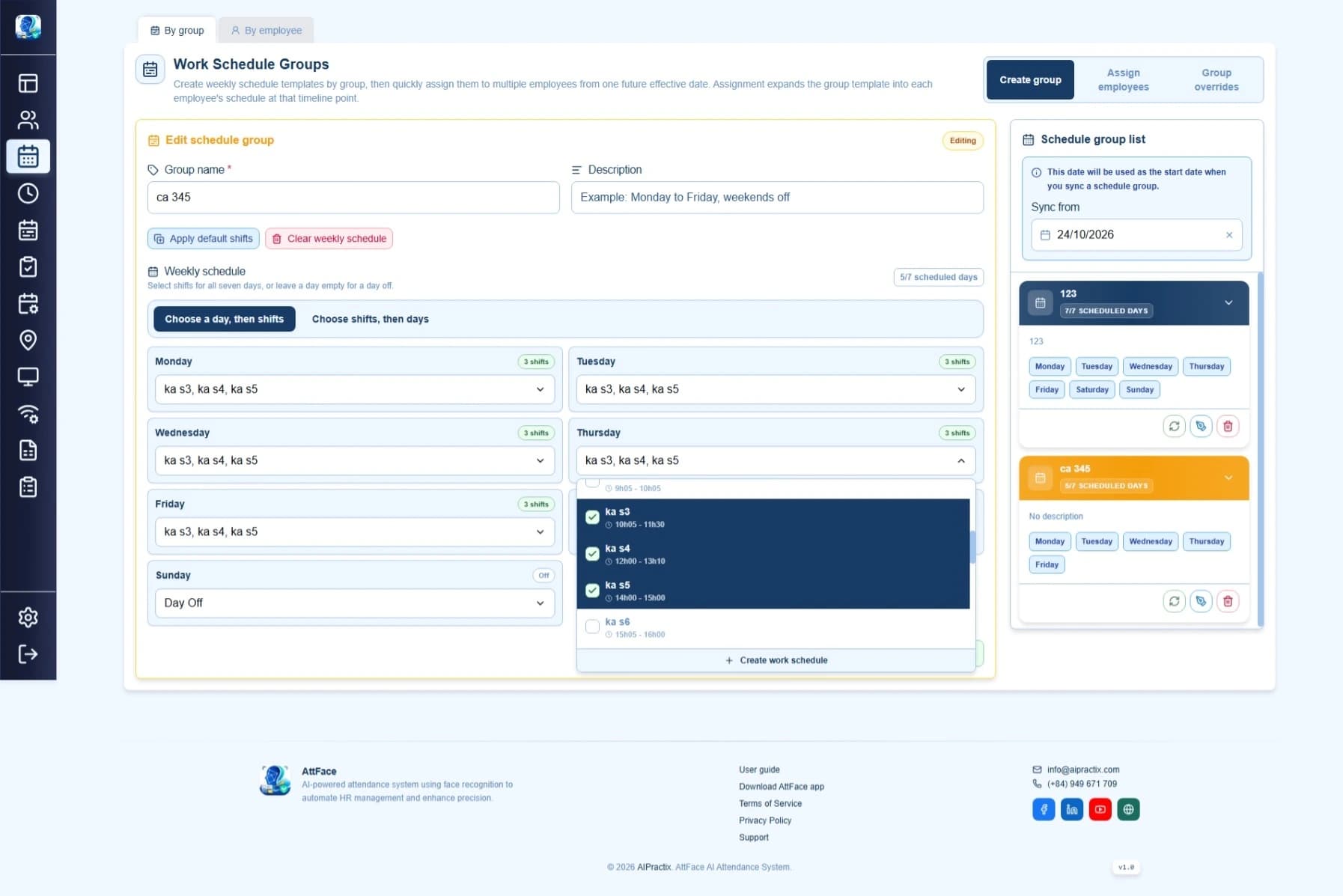
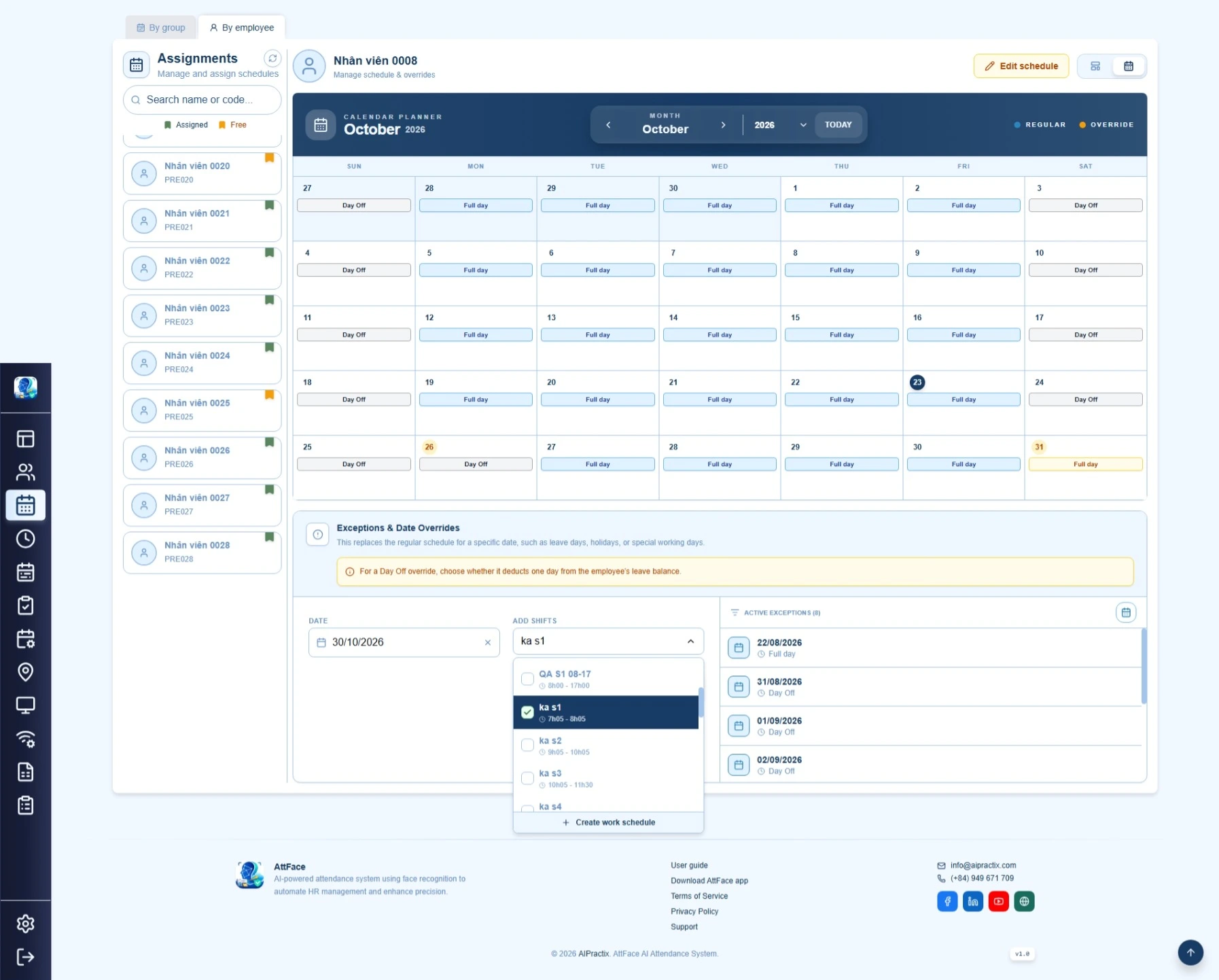
When creating the shift, enter its start and end times and enable Overnight shift if it ends the next day. Assign it to the day the employee starts working. In this example, assign it to the 28th, then check the 29th for another shift that might overlap.
For example, an overnight shift from 22:00 on the 28th to 06:00 on the 29th overlaps by one hour with a second shift starting at 05:00 on the 29th. Review both days before saving the schedule. The shift setup guide covers the broader order for creating and assigning shifts.
Read the check-in and check-out on the timesheet
Open the Timesheet and select a date range that includes the 28th. Find the employee's overnight shift under the 28th work date. Compare the check-in on the evening of the 28th with the check-out on the morning of the 29th. Do not look for the check-out under the 29th work date alone and conclude that the 28th is missing a punch.
The system matches a check-out with a compatible shift and check-in. A punch after midnight can still belong to the previous day's overnight shift when it falls within that shift's window. The calendar date on the clock at check-out does not, by itself, determine the work date. The Attface Attendance administration guide also covers next-morning check-outs for overnight shifts.
If the timesheet is missing a check-in or check-out
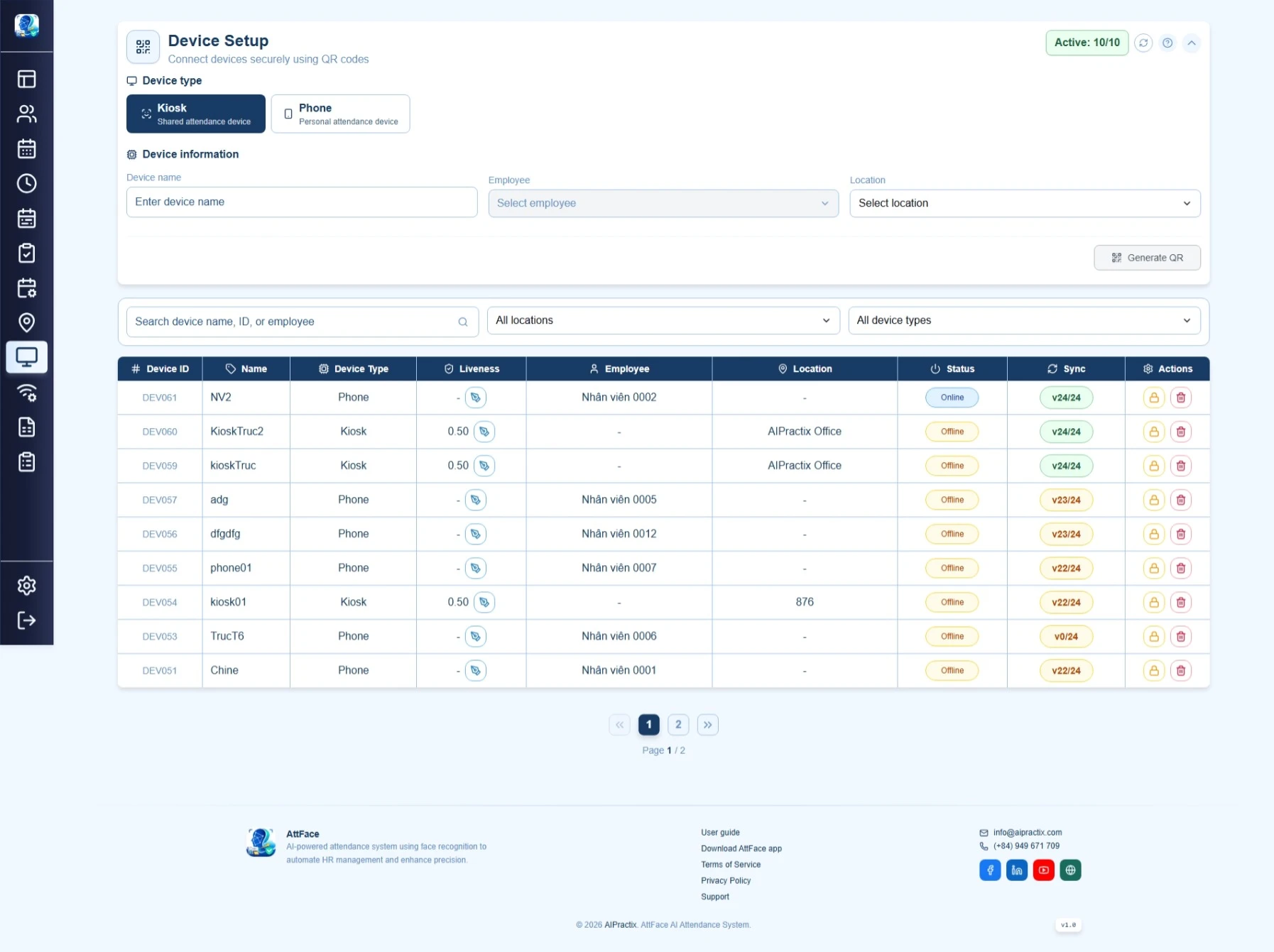
Open Attendance logs to inspect the actual punch, timestamp, employee and device. For a shift crossing midnight, review both the evening of the start date and the following morning. Then check whether the shift was assigned to the correct work date and whether another scheduled shift overlaps it.
If the punch is in the logs but not matched correctly on the timesheet, compare the actual times with the assigned shift before correcting any record. If no punch appears in the logs, check the device and its sync status. Do not create an extra shift on the following day merely to make the check-out appear in a report; that could distort the schedule and attendance result.
The key distinction is simple: the work date is the shift's start date, while each punch keeps its actual timestamp. Check both when reconciling overnight attendance.