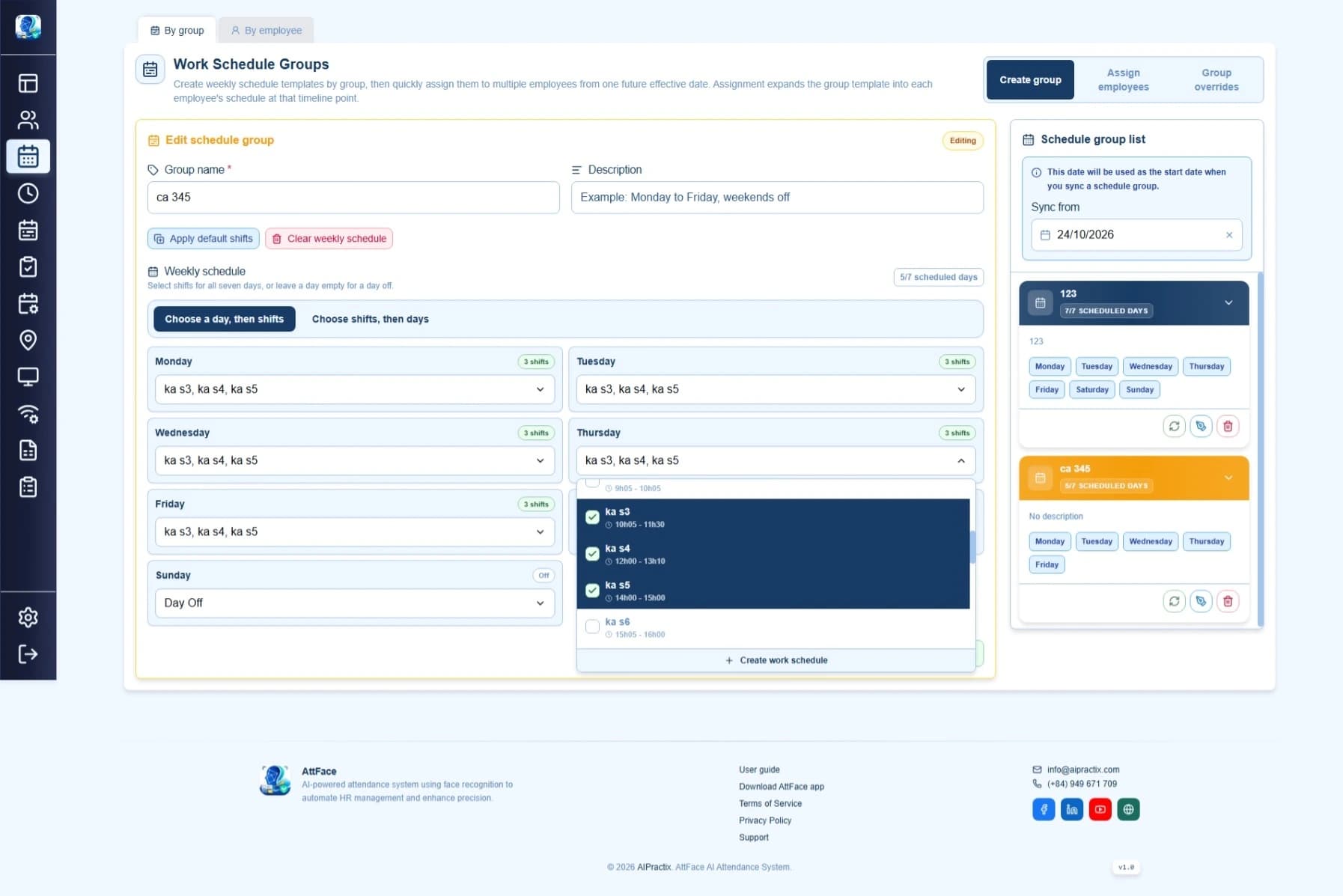
A weekly schedule is a starting point, not a record of every holiday or shift swap. When a particular date differs from the normal pattern, Attface Attendance provides schedule exceptions for an employee or a group. The choice is about who changes on that date. For the recurring pattern itself, read group versus individual schedules.
First compare the date with the normal schedule
Before entering an exception, open the affected employee's current schedule and its effective-date timeline. Note which shift, if any, is expected on the chosen date. Then decide what should replace it: a different shift, a day off or another supported date-specific arrangement. This baseline prevents a supposed correction from duplicating the normal plan.
The Attface Attendance administration guide says that when an employee exception matches the default schedule, the redundant override is removed and the employee returns to the normal schedule. If a saved exception seems to disappear, check whether it actually changed the day before trying to create it again.
Use an employee exception for a single person's change
If one person swaps a shift or takes a day off while the rest of the team follows the usual pattern, change that employee's selected date. Keep the weekly group or personal schedule as it is. After saving, check the employee's day view and timeline to confirm the intended shift or off-day appears on the right date.
This also makes a later audit clearer: the weekly assignment explains the normal plan, while the exception explains why one date differed. Avoid creating a new seven-day assignment for a one-day event.
Use a group exception when the whole eligible group changes
A site closure or a planned group shift change may affect many employees. The documented group exception flow applies to employees assigned to that group on the selected date and stores per-employee overrides. It also lets administrators view, edit or delete the group exception and see how many employees were affected.
Check the group membership and date before saving. A person who joined the group later, or who has an individual schedule, may not have the same result as the people you expected. Sample a few employee day views after the change rather than assuming the group label alone guarantees coverage.
Verify the report after the affected shift
The Attface Attendance documentation says absence and shift reports use each employee's actual schedule, including dated overrides. After the affected day, compare the exception with the full event log and the shift report. An absent or late label could reflect the wrong date, an unexpected shift, or a missing check-in; changing a schedule should not be the first response to every surprising label.
For a planned change, write down the date, affected people, expected shift or off-day and approver before entering it. Then verify those four details in the saved exception. That small record makes a later correction much easier to explain.