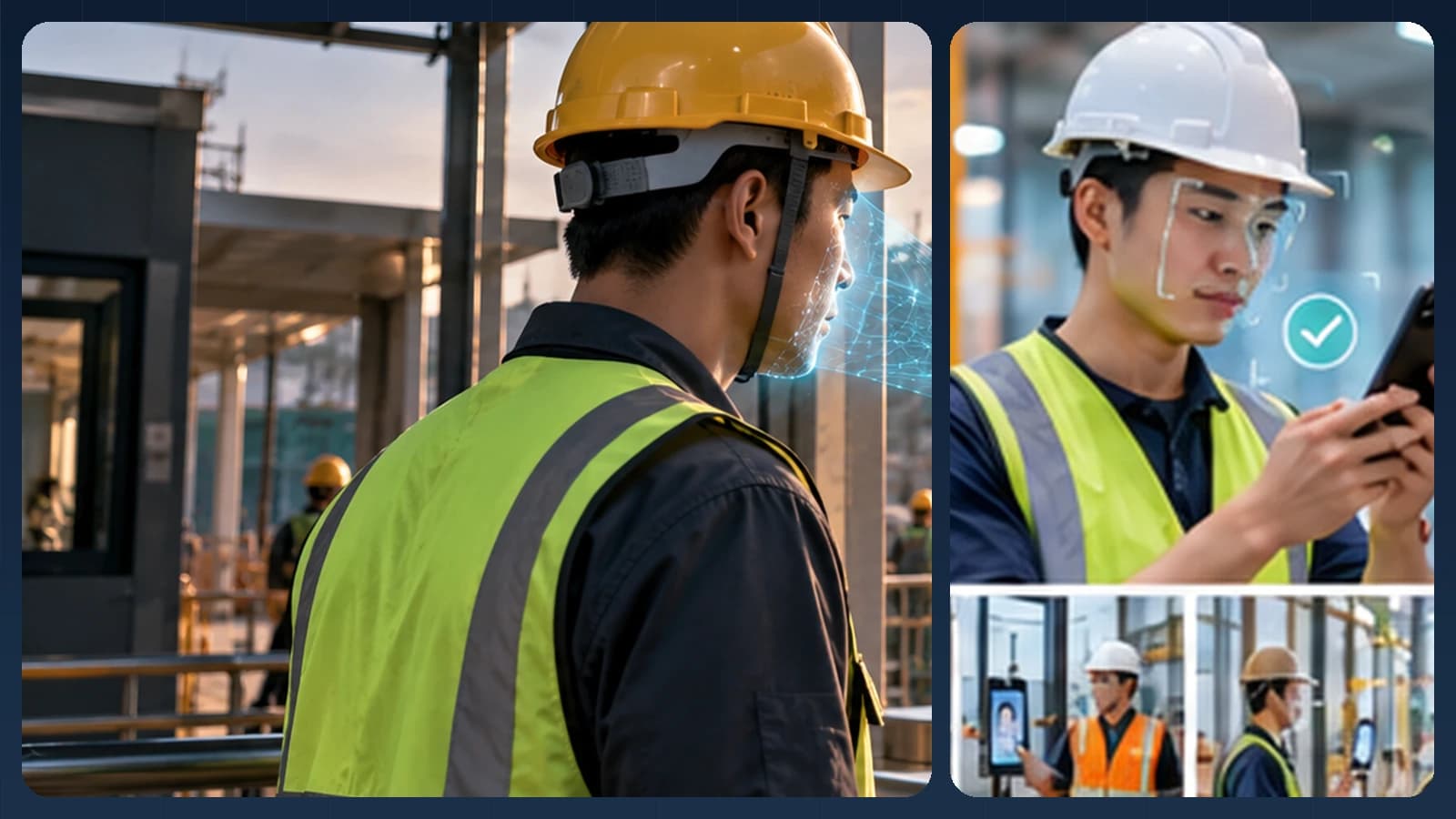
A warehouse can be calm at 2 p.m. and extremely busy at 6 a.m. when a shift changes. People arrive carrying gear, supervisors move between loading areas and trucks need to leave on schedule. If every worker has to form a single file at a special-purpose device, identity technology can become an operational bottleneck.
A better design may combine employees' assigned phones with shared Android phones or tablets mounted where they make sense. Face recognition then supports deliberate shift attendance, while the warehouse-management and HR systems continue running the operation.
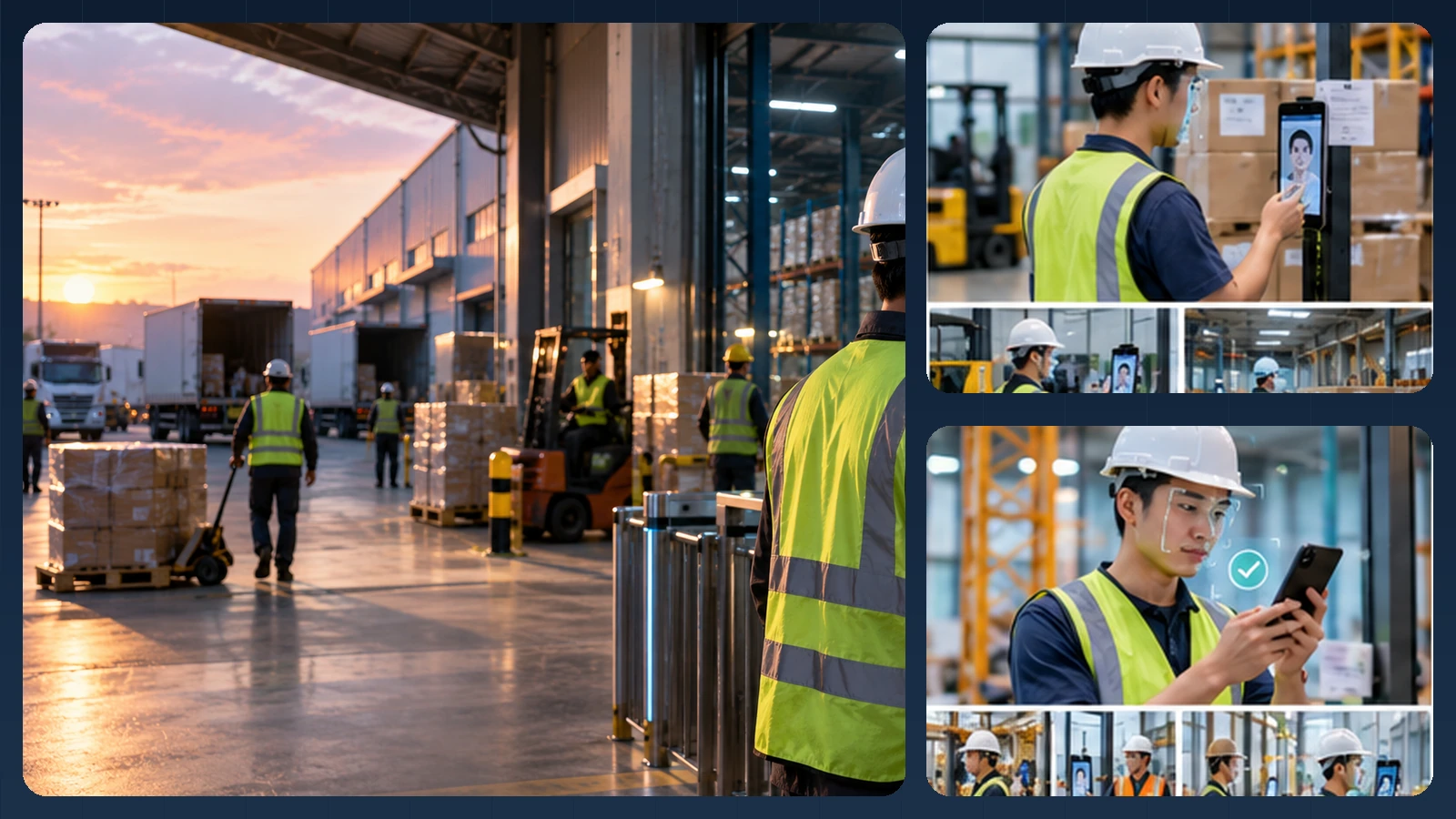
Editorial illustration of a possible experience. Actual UI, device mounts and integrations vary.
Choose check-in points around the actual shift
A supervisor might check in on a phone at the dispatch desk while a team entering through a side door uses a wall-mounted tablet. Another crew at a remote depot could use a stand-mounted tablet whose local roster remains available during a short network interruption. These are different user experiences sharing a common identity and event model.
At a shared device, the gallery should contain only workers authorized for the relevant site and organizational tenant. For an assigned phone, verifying a claimed employee ID is usually simpler. Hard hats, motion blur and changing light all call for camera guidance, retry limits and a supervisor-assisted option. An offline face match is not the same thing as an offline, finalized timesheet: events still require deduplication, revocation handling and reconciliation when connectivity returns.
How the identity step connects to the business workflow
A practical implementation separates the camera interaction, the biometric result and the final business decision. AttFace Core can perform face detection, quality-related analysis, liveness checks where selected, and 1:1 verification or scoped 1:N identification. The partner application decides how to act on those results. Successful face matching alone does not grant access, certify attendance, authorize a transaction or resolve a disputed event.
Conceptual architecture, not a product screenshot or a statement that all pictured integrations are already deployed.
Where face verification adds value
Shift attendance at a controlled entrance. Workers can use a common kiosk or a signed-in mobile application. The event can include a worker identifier, entry or exit type, facility ID, timestamp, and the device that created the record. The workforce application remains responsible for shift assignments and exceptions.
Contractor identity at designated access points. A logistics site may have temporary staff employed by different agencies. Face verification can be combined with a time-limited site authorization; a successful identity match does not override an expired contract, mandatory training requirement or revoked access status.
Restricted operational zones. Some zones require tighter access policies than the main entrance. A product may perform 1:1 face verification after a badge or employee ID is presented, then pass the result to the existing access-control controller. The controller must remain responsible for door state, alarms and physical safety.
Design around a shift change, not a perfect headshot
A site may contain tall and short workers, safety helmets, glasses, reflective vests and strong backlighting. Choose mounting height, camera field of view and lighting deliberately. A worker should be able to use the terminal without stepping into an active vehicle route or removing protective equipment in an unsafe location.
If the required face region is not visible enough, provide guidance and a safer fallback. Do not instruct workers to remove required personal protective equipment merely to satisfy a biometric check. A badge, code or supervised flow can bridge environmental limitations.
The system also needs a crowd strategy. When multiple faces appear in frame, a kiosk should request that one person stand in the designated capture area. Ambiguous matches require a retry or alternate check, not a best-guess identity assignment.
Offline-capable architecture: what it really means
Offline matching can reduce dependence on a WAN connection, but it adds responsibilities. The device needs an authorized, encrypted local roster or references, a consistent event ID, protected logs and a sync process that can safely retry operations. After reconnecting, the server should deduplicate events and reconcile them with shift rules.
Illustrative workflow; exact offline features and supported devices depend on the integration design.
The difficult part is often revocation during a network outage. If an agency worker's authorization is cancelled while a kiosk is offline, how long may a cached roster remain valid? Partners should specify a maximum staleness period and a fail-safe or assisted policy for sensitive entries. “Works offline” is not the same as “always safe to grant access offline.”
| System | Responsibility |
|---|---|
| Face AI component | Face quality, verification / identification and liveness signals |
| Local kiosk or mobile app | Camera UX, protected cache, event queue and device security |
| Workforce / HR system | Staff lifecycle, schedules, payroll rules and approvals |
| WMS / access policy | Site permissions, restricted zones and operational rules |
| Integration service | APIs, event delivery, retries, monitoring and audit |
Multiple facilities and tenant boundaries
A logistics operator may use one platform for many facilities, and a workforce vendor may serve unrelated companies. Avoid a single uncontrolled global face gallery. Prefer explicitly scoped identity sets, organization-level segregation and site-specific authorization; keep access to source images and embeddings tightly restricted.
A company that operates multiple distribution centers can still maintain a central identity lifecycle, provided each site receives only the records it is entitled to use. All enrollment, reassignment and deletion actions should be auditable.
Measures that reveal operational value
A serious pilot should test the exact problem that motivated the project:
- Time to clear the entrance at the busiest shift change.
- First-attempt recognition completion under representative lighting and PPE conditions.
- Network outage recovery without lost or duplicate events.
- Delay between access revocation and enforcement across devices.
- Number of supervisor interventions and ability to resolve them fairly.
- End-to-end integration latency into WMS, HR or access logs.
These metrics can support a business case without inventing an accuracy number. Test against real devices, representative workers and the specific thresholds chosen for the environment.
What is available today, and what needs integration
AttFace Attendance provides a ready-made path for workforce events and local-capable mobile/kiosk check-in. Partners building a specialized WMS or multi-depot HR product can use AttFace Core and implement their own rostering, site rules, sync queues and exception policies. Any particular rugged phone, mount or industrial tablet should be tested in the target environment before being listed as supported.
Build the pilot around everyday people and devices
Test the real touchpoints shown in this story: a personally assigned phone, a wall-mounted phone or tablet, and a slim floor stand where appropriate. Include bright windows, colleagues walking together, glasses or PPE where relevant, a failed first capture, and a network interruption when the architecture permits local processing. Record first-attempt completion, retries, recovery time, auditability and administrator corrections—not just a face match score.
Make the next action explicit when image quality or identity confidence is uncertain. A repeat capture, a claimed-ID 1:1 flow, or an authorized assisted alternative is generally more responsible than quietly lowering the threshold. Document data retention, consent or other lawful basis, deletion and access controls for the deployment's jurisdiction.
Next step. Have a logistics platform or workforce product? Discuss a warehouse pilot using employee phones, shared tablets and controlled offline synchronization.