Campus life does not happen in one place. Students move from a lecture hall to a lab, attend a tutorial from a different building, and sometimes join online. A classroom attendance system should match that reality. Depending on institutional policy, a student might initiate verification on a personal device or check in on a shared tablet near the room.
The goal is not to continuously recognize students walking through corridors. It is to support a defined attendance action with reasonable privacy, fairness and accessibility boundaries.

Editorial illustration of a possible experience. Actual UI, device mounts and integrations vary.
A class is starting, and everyone is getting settled
Instead of lining up before a dedicated biometric machine, students reach their seats, open the campus app and follow a short check-in step. Where personal devices are not allowed, a supervised classroom tablet can be placed at an accessible location. The interface should explain why face capture is requested, what counts as a successful attempt, and what happens if verification is not available.
A claimed student identity typically favors 1:1 verification. Large, unconstrained 1:N searches across an entire campus create additional errors and governance burdens. A lecturer's attendance list should be based on the scheduled session and enrolled class—not merely on who the camera happened to see. For minors, institutions must assess heightened protections, parental or guardian requirements and appropriate alternatives before considering biometric collection.
How the identity step connects to the business workflow
A practical implementation separates the camera interaction, the biometric result and the final business decision. AttFace Core can perform face detection, quality-related analysis, liveness checks where selected, and 1:1 verification or scoped 1:N identification. The partner application decides how to act on those results. Successful face matching alone does not grant access, certify attendance, authorize a transaction or resolve a disputed event.
Conceptual architecture, not a product screenshot or a statement that all pictured integrations are already deployed.
Start with a limited higher-education use case
A university lab may already require students to register for a particular session. A training center may have dozens of adult learners arriving at a scheduled workshop. In these settings, an optional digital check-in can link identity verification to an existing class roster.
One design asks the student to select their class or authenticate to the campus app, then uses 1:1 face verification against an enrolled reference. Another design uses a staffed kiosk with a student ID and optional face confirmation. Either choice limits the identity check to the actual attendance task.
A passive camera that continuously scans an entire classroom is a different use case, with substantially broader privacy and oversight concerns. It should not be presented as the default approach to attendance.
For primary and secondary schools, where children are involved, the threshold for introducing facial biometrics should be especially high. Institutions should assess necessity, legal authority, parent or guardian considerations, child protection requirements, alternatives, and data governance before considering such deployment at all.
Define what attendance means
A face match at the door does not necessarily prove that a person attended an entire lecture. A scan after class does not by itself establish participation. Product teams need to decide which event is being measured and how disputes are resolved.
Possible events include:
- Arrival at an approved session or lab.
- Participation in a time-bounded workshop check-in.
- Confirmation for an examination seating process.
- Staff or faculty presence in a restricted teaching facility.
The academic system should maintain the schedule and roster, interpret attendance policy, and allow instructors or administrators to review exceptions. Face AI should not assign grades, disciplinary outcomes, or academic penalties on its own.
A student-friendly workflow
A narrowly scoped implementation can be built around the following steps:
- Select an authorized session. The learning management or campus system provides the course, time, and approved roster.
- Explain the choice. Students receive clear information about the optional identity-check method and an accessible non-biometric alternative.
- Enroll appropriately. If lawful and genuinely necessary, the system creates a protected reference with quality checks and defined retention.
- Capture with user participation. A student deliberately initiates check-in on a phone or supervised terminal.
- Record a provisional event. A successful verification can support an attendance event; a failed attempt does not automatically create a negative finding.
- Permit review and correction. Instructors can confirm exceptions, and students can challenge an incorrect record through a published process.
Concept diagram—not a claim about a particular university or a deployed AttFace classroom product.
Why 1:1 is often the simpler place to begin
With 1:1 verification, the application already knows which student claims to be checking in. It compares the fresh capture to that student's enrolled reference. This narrows the biometric comparison and aligns with an authenticated campus account.
With 1:N identification, the application searches a gallery of enrolled people. That may appear convenient at a shared terminal, but it expands the need to assess gallery composition, false associations, threshold selection, and whether the identification step is actually necessary.
Neither technique eliminates the need for human correction. Facial appearance, camera angle, lighting, head coverings, and device differences can all affect the capture. The institution should avoid designs in which a single failed biometric match leads directly to an attendance penalty.
Design for fairness and accessibility
Campus systems serve students with different abilities, needs, and preferences. Make non-biometric check-in a real operational path rather than a hidden exception. It could be an authenticated campus app, approved student card, instructor-assisted check-in, or another institutionally accepted process.
Do not assume every student has a recent smartphone or can position themselves in front of a fixed camera. Verify kiosk height, lighting, instructions, and physical access during the pilot. A design that works for a few developers in an office may fail in a crowded corridor between classes.
Institutions should assess different groups and real device conditions, monitor complaints, and define a process for investigating systematic errors without exposing other students' biometric information.
Data governance is not optional
Biometric references and attendance records have different purposes and may warrant different retention rules. Define where the face reference is processed, who can access it, whether any captured images are stored, how backups are handled, and what happens when the student leaves the institution.
Minimize raw-image retention unless there is a documented reason. Protect sensitive data in transit and at rest, restrict administrative access, and document deletion. Assess applicable education, privacy, child-protection, and employment rules in the deployment location; requirements vary between jurisdictions.
Privacy communications should be understandable to learners, not just to the IT procurement team.
What the first pilot should prove
A good pilot is intentionally small. Start with an adult learner program or a controlled staff workflow where alternatives are available. Evaluate the complete attendance process: registration, first-time use, successful check-ins, assisted check-ins, corrections, instructor workload, support tickets, and deletion requests.
Measure operational value against a reasonable baseline such as authenticated QR or app attendance. If optional face verification does not materially improve a well-designed existing process, it may not be the right feature to deploy.
What is available today, and what needs integration
AttFace Core can be evaluated as the face-verification component of a learning or campus-management platform. Enrollment, class schedules, student rights, session codes and dispute resolution stay within the institution's application. AttFace Attendance is oriented toward workforce attendance; this educational scenario is a partner use case, not a claim that the ready-made workforce product already includes an academic student-information system.
Build the pilot around everyday people and devices
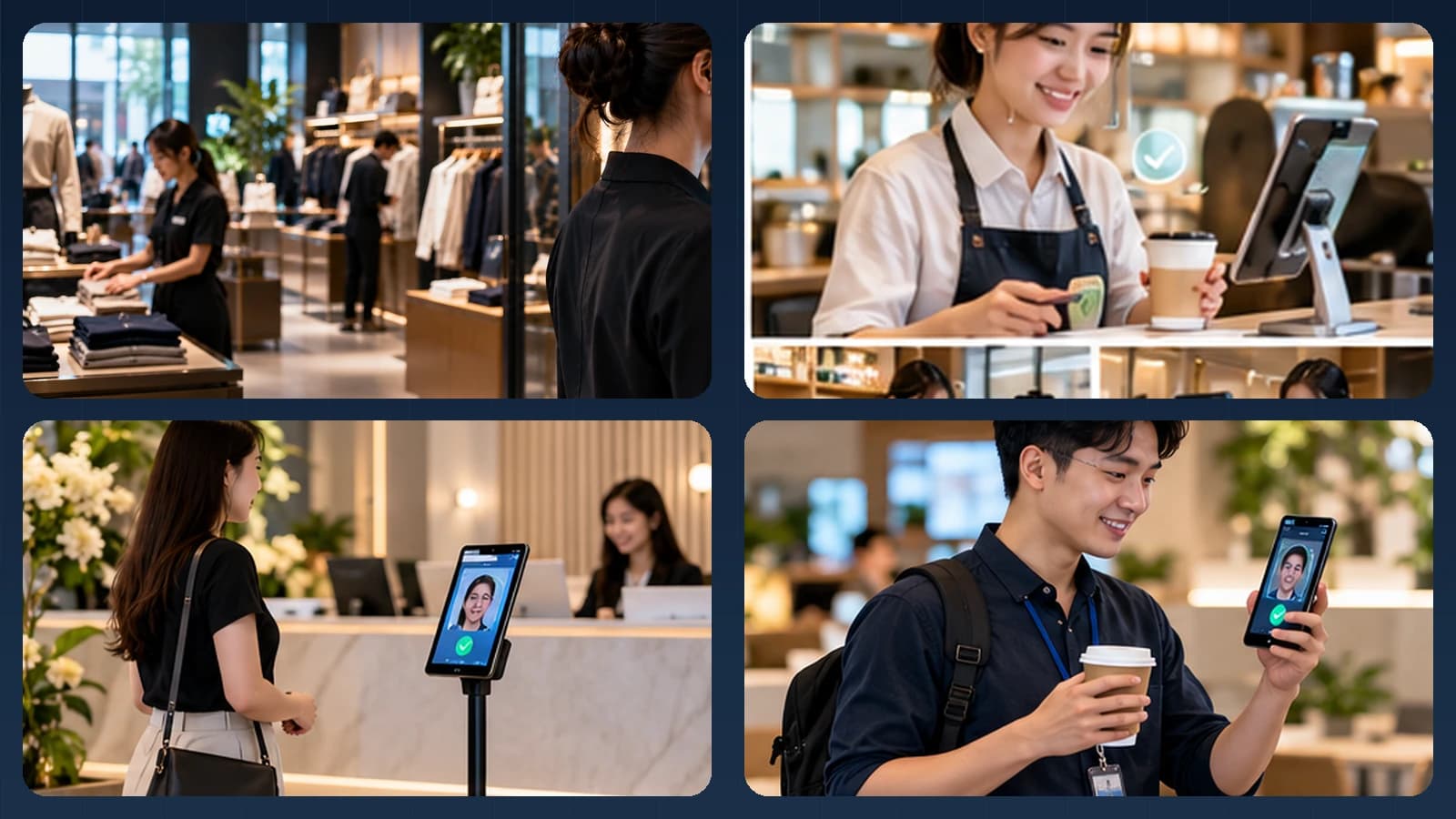
Test the real touchpoints shown in this story: a personally assigned phone, a wall-mounted phone or tablet, and a slim floor stand where appropriate. Include bright windows, colleagues walking together, glasses or PPE where relevant, a failed first capture, and a network interruption when the architecture permits local processing. Record first-attempt completion, retries, recovery time, auditability and administrator corrections—not just a face match score.
Make the next action explicit when image quality or identity confidence is uncertain. A repeat capture, a claimed-ID 1:1 flow, or an authorized assisted alternative is generally more responsible than quietly lowering the threshold. Document data retention, consent or other lawful basis, deletion and access controls for the deployment's jurisdiction.
Next step. Designing a campus platform with an optional identity step? Ask AIPractix about AttFace Core and an institution-specific pilot.