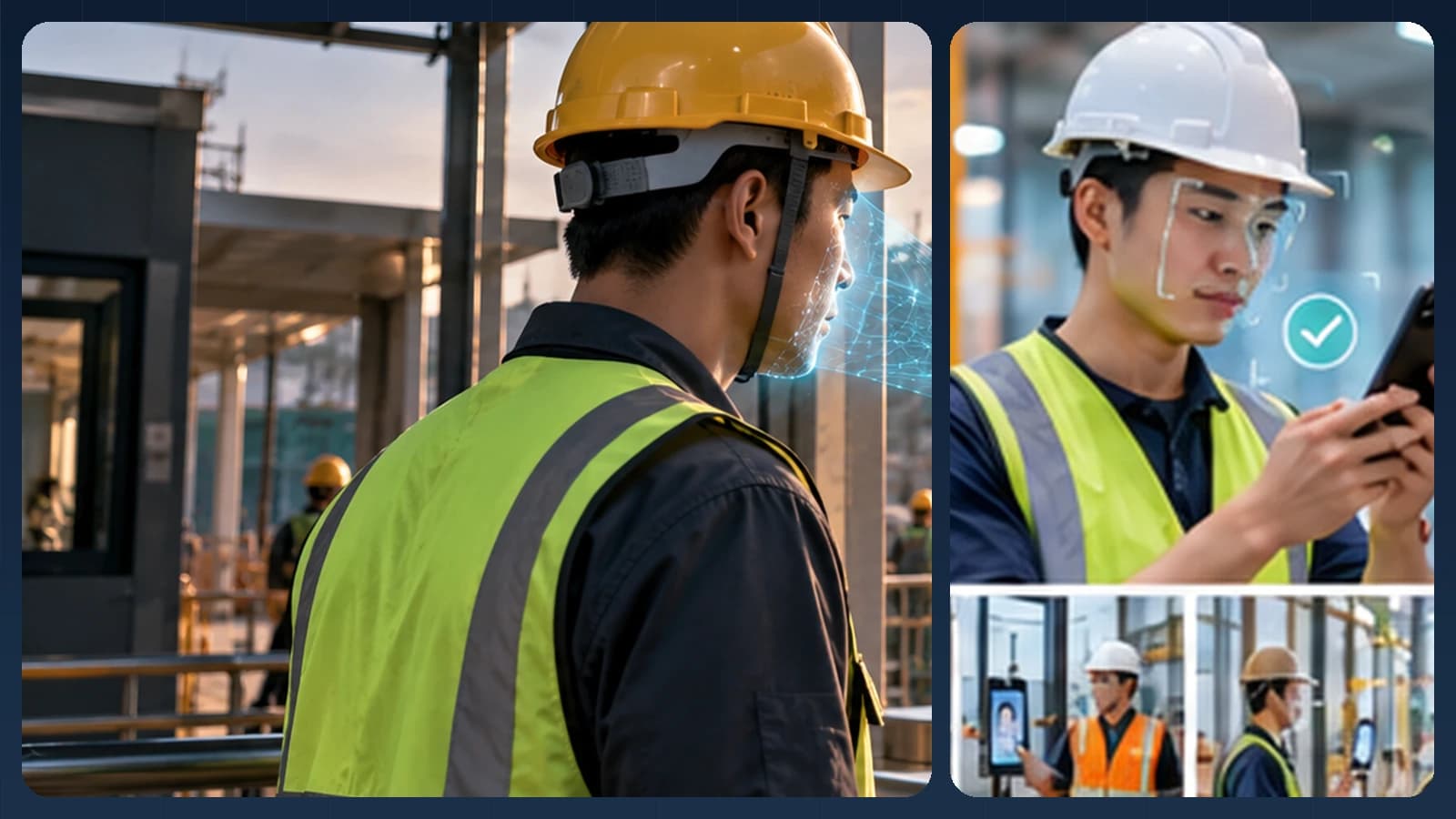
A useful attendance system should fit the way people arrive at work—not make every employee walk to a dedicated machine. Someone may start the day at a desk with a coffee, arrive with colleagues, step out of an elevator, or enter a branch through a shared reception. In each case, the goal is the same: connect a voluntary, deliberate face check to the right employee and create an understandable attendance event.
That is the design idea behind AttFace Attendance: employees can use a phone assigned to them, while a shared check-in point can be an ordinary phone or tablet mounted on a wall or slim stand. For software teams building a different workforce product, AttFace Core provides the recognition components that can be integrated into their own application.

Editorial illustration of a possible experience. Actual UI, device mounts and integrations vary.
A morning with no special attendance machine
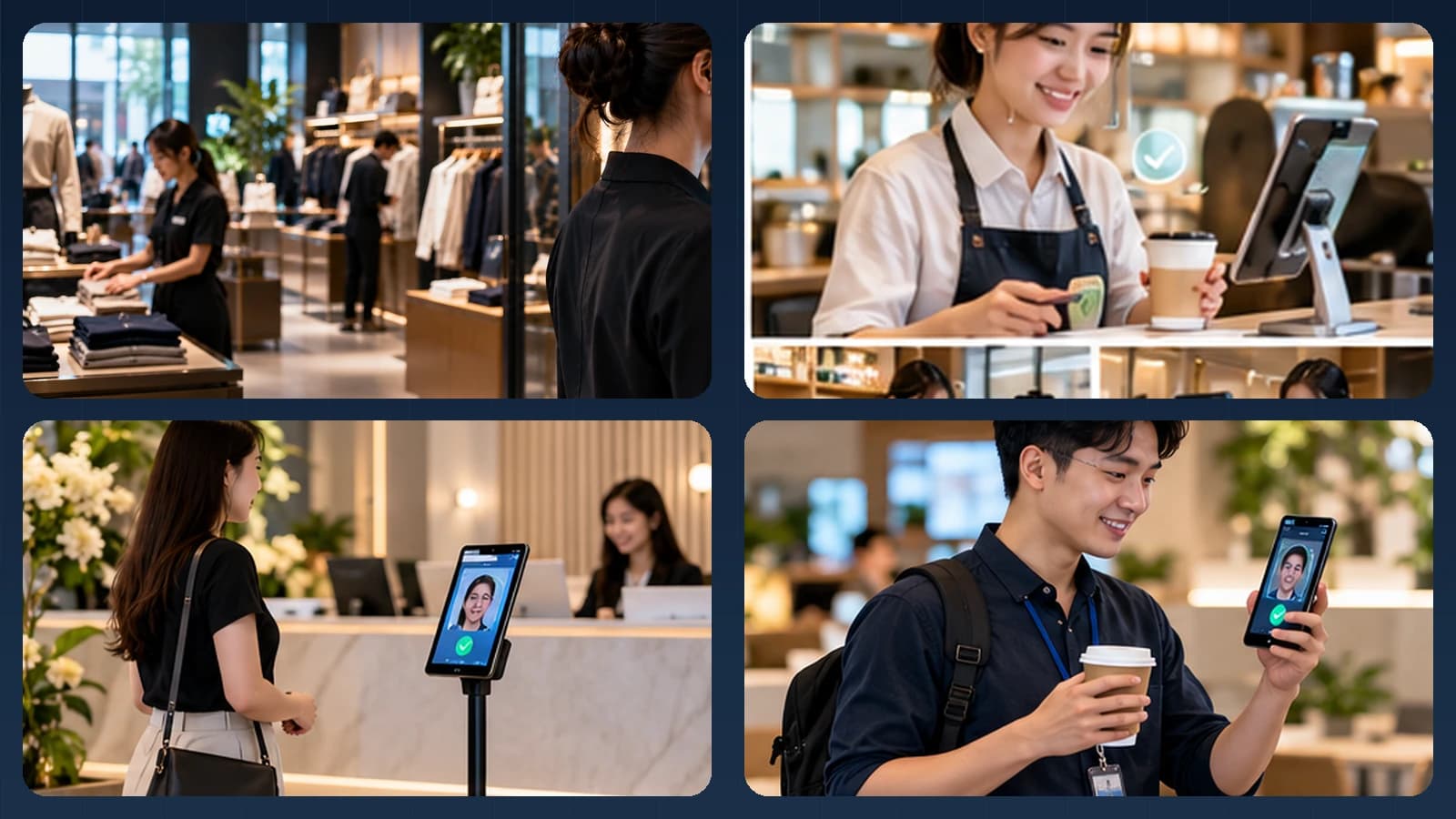
Imagine three colleagues arriving at a hybrid office. One checks in on an assigned phone while still at her desk. Another uses a wall-mounted tablet outside the elevator. A third walks past a tablet on a slim stand near reception. The devices look different, but they should produce the same well-structured event in the admin system.
The assigned phone already knows the employee profile, so 1:1 verification is a natural fit. The shared tablet can use 1:N identification against the permitted site roster, or ask for an employee ID and then use 1:1. A kiosk is a deployment mode, not a requirement to purchase a dedicated biometric terminal. Keep the camera at a practical height, make the UI easy to understand, and allow the person to pause long enough for a clean capture. A person walking past the camera should not be marked present merely because they appeared in view.
How the identity step connects to the business workflow
A practical implementation separates the camera interaction, the biometric result and the final business decision. AttFace Core can perform face detection, quality-related analysis, liveness checks where selected, and 1:1 verification or scoped 1:N identification. The partner application decides how to act on those results. Successful face matching alone does not grant access, certify attendance, authorize a transaction or resolve a disputed event.
Conceptual architecture, not a product screenshot or a statement that all pictured integrations are already deployed.
One use case, two very different device experiences
Consider a company with office employees, field workers, and people who share an entrance at the start of a shift.
Employee-owned or assigned phone. The workforce app already knows which employee is signed in. The application can use 1:1 face verification to compare a fresh capture with that employee's enrolled reference. This limits the comparison to one claimed identity and fits a personalized device workflow.
Shared kiosk. Several employees use the same tablet or shared device. A kiosk can evaluate 1:N identification against a carefully scoped roster when employees should check in without entering an ID first. Another design asks users to enter an employee identifier, then performs 1:1 verification. The right choice depends on workforce size, device performance, security requirements, and the desired user experience.
Neither configuration should be chosen based on feature names alone. The product team needs to define who is being matched, where templates are stored, and how a mistake is corrected.
A practical attendance journey
A robust workflow begins before the first check-in:
- Provision the employee. Connect the person to an employee ID in the HR or attendance system and confirm the organization's lawful basis, notices, and applicable consent requirements.
- Enroll with clear guidance. Collect suitable reference images, run quality checks, and allow an assisted path when capture is difficult. Enrollment should not silently import photos from unrelated systems.
- Activate the device. Bind the phone or kiosk to the correct organization and location through a controlled setup process.
- Verify at check-in. Capture a new image, assess quality, run the appropriate face match and—where the threat model requires it—presentation attack detection (liveness).
- Write an event. Save identity, event type, timestamp, device information, and policy context. A verification result and an accepted attendance event are related but not identical.
- Synchronize and review. Deliver events to the server or HR system, reconcile duplicates, and expose correction and approval workflows.
Verification is not payroll logic
Face AI should answer a narrow question: is this capture sufficiently consistent with the enrolled person under the system's rules? Payroll has a broader job. It must consider shifts, leave, grace periods, holidays, overtime approval, missing punches, and local labor requirements.
Keep the boundary explicit:
| Layer | Example responsibility |
|---|---|
| Face recognition engine | Detect, assess, represent, and compare a face |
| Attendance application | Create check-in or check-out events and handle device state |
| Attendance policy | Apply shifts, locations, grace periods, and approvals |
| HR/payroll integration | Calculate authorized working time or payroll inputs |
This separation is useful for SaaS partners. They can retain their current business workflows while integrating face verification as an additional identity signal.
How offline attendance should work
A warehouse entrance or field site may lose connectivity just when many employees arrive. Offline recognition is valuable only when the surrounding workflow is deliberately designed for it.
For a local-capable configuration, the device needs an authorized, up-to-date set of reference templates; a protected local event queue; a consistent event identifier; and a way to reconcile events after reconnection. The system should not duplicate a punch simply because an upload is retried. It also needs a clear policy for employee changes, revoked access, devices that have not synchronized recently, and local data deletion when a device is retired.
Offline matching does not mean that every administrative action, enrollment update, or license operation is automatically available offline. Specify these boundaries during integration testing.
Handling uncertain matches without creating long queues
People arrive wearing glasses, with different hairstyles, under uneven lighting, or at a slightly different distance from the camera. A mature attendance product does not respond by blindly reducing its match threshold.
Instead, define a controlled sequence: offer framing guidance, request a better capture, retry within sensible limits, then provide a non-biometric or supervisor-assisted alternative. Log the reason for the failed step without exposing raw biometric details to every administrator.
A threshold that works on one camera may not transfer unchanged to a different location. Validation should include representative devices and employees, and should track false matches and false non-matches separately.
Privacy is part of the employee experience
Biometric data requires careful handling. Establish a defined purpose, a published retention policy, access controls, encryption where appropriate, and deletion procedures. Make it clear whether images, embeddings, and attendance audit evidence are stored on a device, in the cloud, or on-premises. Avoid collecting more than the workflow needs.
Organizations should also offer a reasonable alternate attendance method where required by law, policy, accessibility needs, or the deployment context. A failed camera capture must not automatically become an allegation of misconduct.
What a pilot should measure
Rather than opening with a vendor accuracy claim, run a small operational pilot and ask:
- What percentage of eligible employees can complete check-in on the first attempt?
- How long is the full user journey, including camera positioning and network delays?
- How many failures require assisted correction, and why?
- Does an offline shift synchronize cleanly without duplicate or missing events?
- Can HR administrators explain and correct disputed events?
A strong pilot tests the real shift-change rush, not just a quiet demonstration with a few ideal images.
What is available today, and what needs integration
What is already a product: AttFace Attendance offers employee-phone and shared-kiosk modes, controlled device activation, face enrollment, local-capable check-in, synchronized logs, locations, shifts and administrative workflows. The shared kiosk can be implemented using a supported phone or tablet in a secure mount.
What is a Core integration: A partner can use AttFace Core to add face detection, quality assessment, liveness and 1:1 or 1:N matching to its own workforce software. HR policies, payroll rules, roster scope, device management and audit permissions remain the responsibility of that application. Not every scenario shown in an illustration is an already-shipped Attendance workflow.
Build the pilot around everyday people and devices
Test the real touchpoints shown in this story: a personally assigned phone, a wall-mounted phone or tablet, and a slim floor stand where appropriate. Include bright windows, colleagues walking together, glasses or PPE where relevant, a failed first capture, and a network interruption when the architecture permits local processing. Record first-attempt completion, retries, recovery time, auditability and administrator corrections—not just a face match score.
Make the next action explicit when image quality or identity confidence is uncertain. A repeat capture, a claimed-ID 1:1 flow, or an authorized assisted alternative is generally more responsible than quietly lowering the threshold. Document data retention, consent or other lawful basis, deletion and access controls for the deployment's jurisdiction.
Next step. Want a ready-made attendance product or a face SDK inside your HR app? Contact AttFace to discuss employee-phone, shared-tablet and offline deployments.