A video camera produces a continuous stream of images. A business system needs something more specific: a useful event, a valid identity claim, or a reviewable record. Bridging that gap is where a face AI engine can help a smart-camera software vendor—but only within a deliberately scoped use case.
One example is a private facility where enrolled employees or approved operators use a camera-equipped entrance. Another is an industrial station where a known technician must be confirmed before a service session begins. These are very different from scanning everyone in a public crowd. Good product architecture makes the boundary explicit.
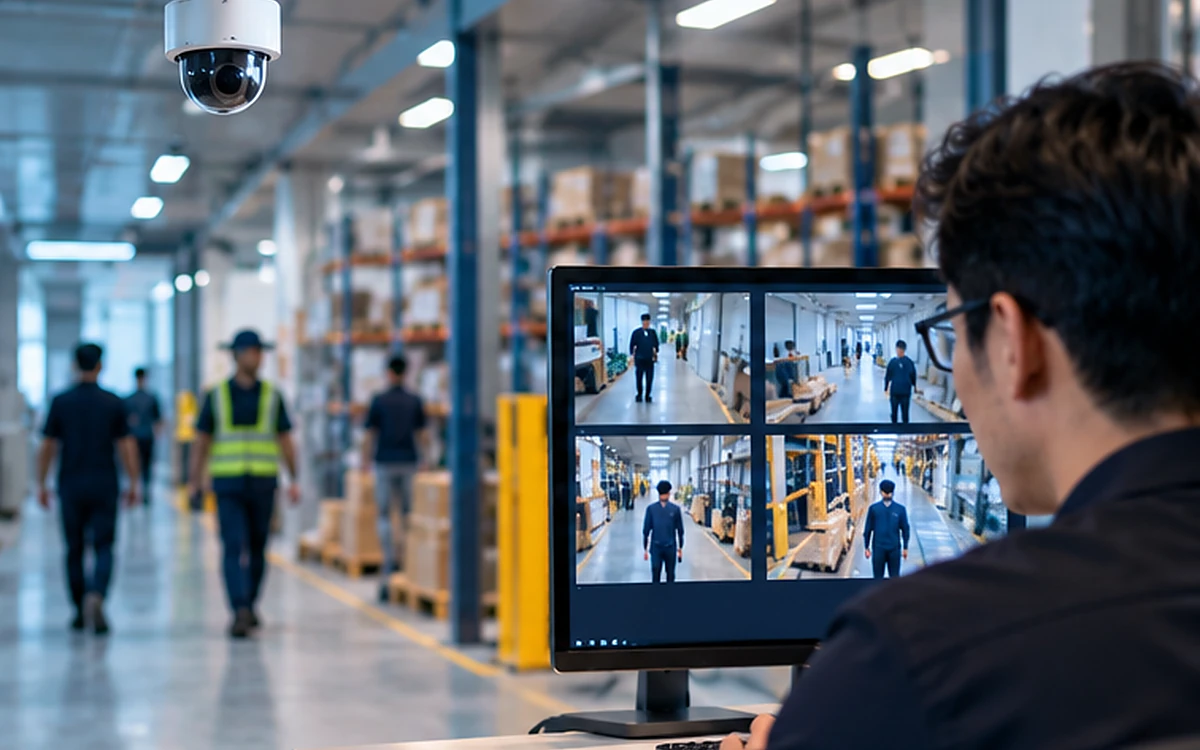
Concept illustration; not a real AttFace UI, verified identification result or customer deployment.
Start with a defined purpose, not a wall of bounding boxes
A face detector locates face regions in video frames. It does not, by itself, identify the people. Before adding recognition, decide what the application is authorized to do with the video and who has agreed to enrollment.
For approved users, a system might compare a captured face against a limited, governed facebank. An event can include the camera identifier, authorized account or operator ID, timestamp and relevant quality information. A borderline match should be presented as a candidate for review or another verification step—not as a confirmed person.
Illustrative flow for approved, enrolled-person use cases; it does not imply general-purpose identification of the public.
Why the edge often matters
Sending every camera frame to a remote service can be expensive and difficult to manage. An edge component can select frames, detect faces, reject unsuitable samples and transmit only the information required by the approved workflow. Depending on the application, matching may also stay inside the local network or a private on-premise server.
Frame sampling, track association and camera health checks usually belong to the surrounding video system. AttFace Core provides face-processing capabilities; it should not be described as a complete video management system, object tracker, or policy engine.
The operational details that decide success
Camera placement has an outsized effect on recognition. Faces that are tiny, strongly angled, backlit or partially hidden offer poorer evidence than a short intentional glance at a properly placed camera. Designers should test height, field of view, motion blur and entrance lighting before trying to solve everything with a model threshold.
The application also needs to handle duplicate events. The same enrolled person may appear in several consecutive frames. A simple cooldown, session identifier or access-event window can prevent duplicate logs. Synchronization between cameras matters, but it should be handled with clear event semantics rather than merging unrelated identities from visual similarity alone.
Respect the difference between search and confirmation
A 1:N search returns candidates from a defined enrolled set. It is appropriate only where that search is authorized and operationally justified. The top-scoring candidate is not automatically a verified identity, especially if the person is not enrolled or the video conditions are poor.
Prefer a narrow gallery, explicit enrollment and short retention when the business purpose allows them. Restrict who can access facebanks, log administrative changes and provide non-biometric alternatives for access where appropriate. Do not silently repurpose an access-control database for marketing analytics or general surveillance.
A partner integration checklist
- Define authorized camera locations and enrolled populations.
- Establish edge, private-server or cloud boundaries and acceptable latency.
- Design event deduplication, retries and degraded-network behavior.
- Evaluate camera conditions and threshold choices using representative streams.
- Set retention, deletion, access auditing and human-review responsibilities.
Live video versus an intentional face capture
A continuously running video stream creates many opportunities for poor evidence: faces can occupy only a few pixels, overlap, turn away or appear under harsh backlight. If the business outcome is a high-stakes identity check, a purposeful capture station is often easier to validate than silent matching from a distant camera. Camera analytics may still detect a person approaching an authorized station, but the actual verification can happen at a suitable viewpoint.
What the system should do when recognition is unavailable
An edge appliance can lose power, a camera can be misaligned, and an on-premise matching server can become unreachable. Define safe operational behavior before deployment: queue non-sensitive metadata where permitted, refuse identity-dependent actions when no trustworthy result is available, or offer an authorized alternate credential. Track software versions and device health separately from biometric quality. Operational monitoring should never pressure a security system into treating “no result” as a successful match.
Build on the engine, keep control of your product
A VMS provider, facility platform or system integrator can combine AttFace Core with its own camera transport, event rules, dashboards and customer workflows. That keeps the face inference layer modular without pretending the SDK does the entire application.
Discuss a smart-camera integration with AIPractix if you need an enrolled-person verification flow on devices, at the edge or inside a private server deployment.