Many apps already let users unlock a phone with the device's built-in biometric feature. So why add application-level face verification? Because a product may have a different identity question: is the person using this specific account the person who was enrolled for this business workflow?
That question can matter when a customer reactivates a dormant account, authorizes a sensitive service request or confirms an identity after switching devices. It is not an invitation to replace the operating system's secure biometric unlock or bypass its protections.

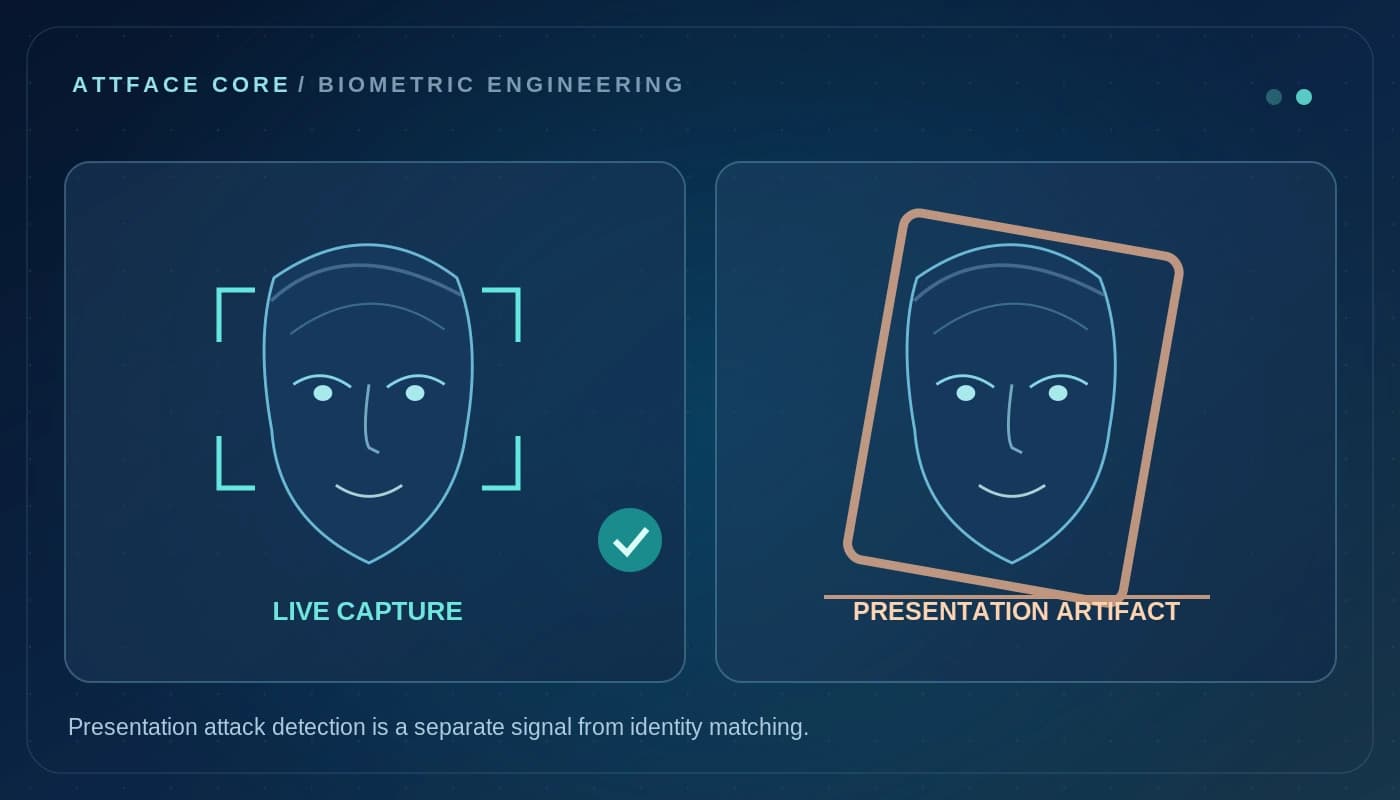
Concept illustration; not a real AttFace UI, verified identification result or customer deployment.
Two different layers of identity
Platform biometrics such as device unlock are typically mediated by the operating system and hardware security facilities. An application-level face pipeline instead works with consented camera capture and a reference identity managed under the application's business process.
The two approaches can complement each other. A financial app might use platform authentication to protect local credentials, then request a separately explained, risk-based face verification step for a rare high-impact action. Not every login needs another selfie.
A short, understandable user journey
The user is already signed into a mobile application. Before an important change, the app explains the verification request and opens a guided capture screen. The SDK helps obtain a usable image; liveness controls assess presentation risk where required; the matching operation compares the capture against the correct enrolled reference.
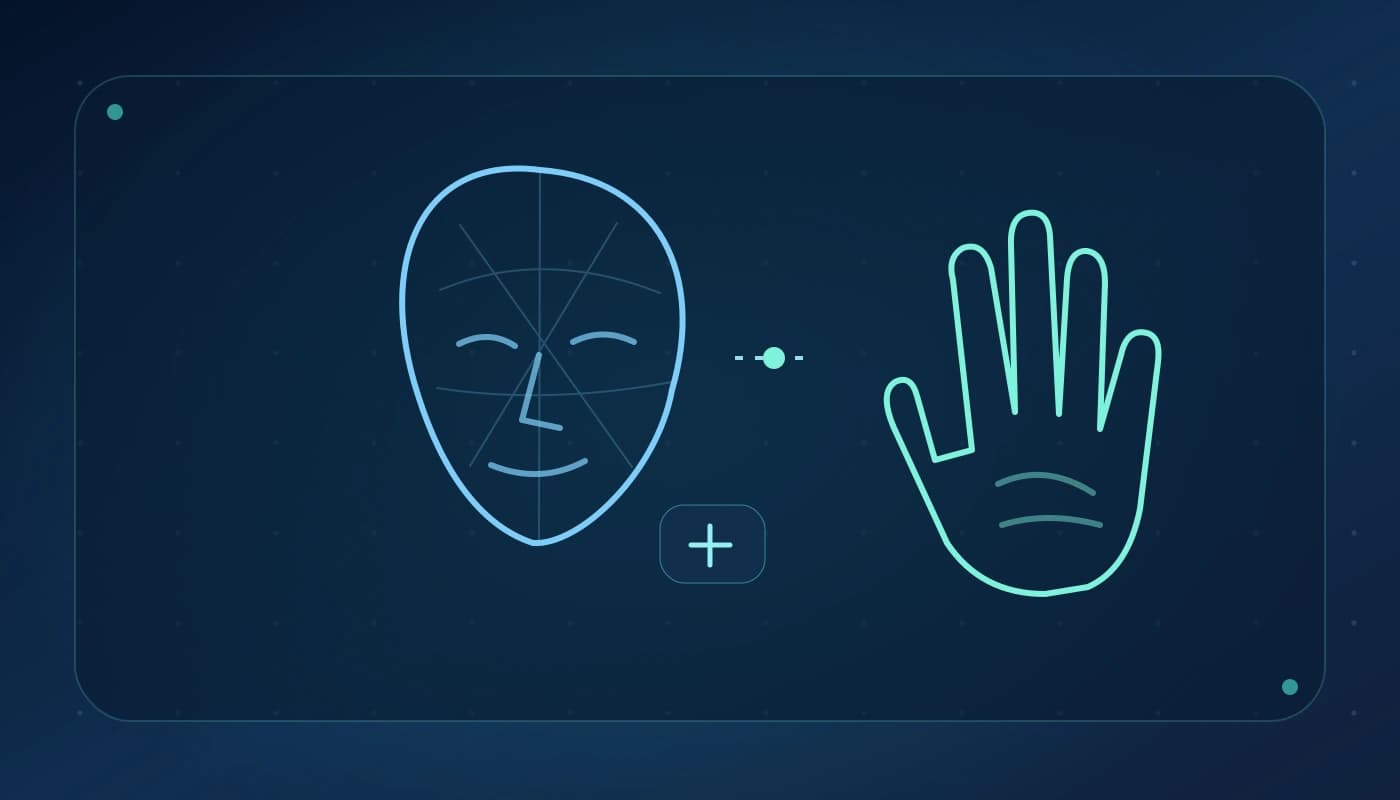
Reference architecture. It does not depict the device vendor's built-in Face ID or a guaranteed SDK method signature.
At each stage the app should distinguish a technical failure from an identity decision. Poor lighting means “try again under better conditions,” not “you are not the account holder.” An unavailable camera means the user needs an alternative route. A weak match means the session must follow a defined security policy.
On-device and server-side choices
On-device processing can reduce network dependence and give fast feedback. A server-based comparison can centralize reference enrollment, audit controls and policy updates. Hybrid designs can use local quality feedback with central matching. The architecture must reflect who controls enrollment, which endpoint is trusted and where biometric data may be stored.
For 1:1 verification, an application should already know the account being asserted. Do not replace it with an open-ended search across every registered user unless there is a justified, separately consented use case.
Build the controls around the model
Rate-limit retries, secure all enrollment updates, separate test and production identities, verify client integrity where possible and protect replay-sensitive API calls. Never assume a good face-similarity score also proves that the camera input was genuine or that the surrounding session has not been compromised.
Biometrics should be a component of a wider authentication policy. For high-assurance services, follow applicable standards and use an additional factor and non-biometric alternative as appropriate to the risk and jurisdiction.
What product teams should measure
The important product outcome is not the number of green checkmarks in a demo. Track capture completion, abandonment after retries, manual fallback rates, device-specific failures, latency and the operational cost of escalations. Validate similarity thresholds with the enrolled population and the actual capture hardware.
A compact failure taxonomy will save your support team hours: CAPTURE_UNUSABLE, LIVENESS_RETRY, NO_CONFIDENT_MATCH, DEVICE_UNAVAILABLE and POLICY_REVIEW are illustrative application-level categories, not promises of specific AttFace SDK return codes.
Enrollment is a product journey of its own
Verification quality depends on a legitimate reference. A secure enrollment flow should establish the person's identity through the application's accepted process before creating or linking a face representation. A new device, profile photo change or support ticket should not silently replace that reference. Notify users when sensitive enrollment changes occur and preserve an independent recovery route.
Think through what happens when an employee changes role, a customer closes an account or a person declines face-based verification. Template deletion, consent withdrawal, re-enrollment and account recovery need to remain consistent across devices. Those processes are particularly important for applications deployed by different customers under separate tenants.
Avoid a second camera prompt for every task
Identity prompts interrupt work. Product teams should place face verification at purposeful decision points rather than every screen transition. Track the frequency of prompts per user, not only inference latency. Reducing unnecessary checks can improve both privacy and completion rates without changing the recognition model.
Integrate without rebuilding face AI
AttFace Core can provide face-related primitives for Android/iOS and other agreed deployment environments, while the partner owns account sessions, authorization, UX copy, risk scoring and user support. That division is useful for SaaS vendors and app teams that need a specific identity step rather than a standalone attendance app.
Explore AttFace Core integration options to plan a mobile pilot with clear boundaries, fallback behavior and representative device testing.