Hospital staff move between nursing stations, corridors, laboratories and restricted rooms all day. A clinician may be carrying notes, wearing a mask, or moving with colleagues to the next task. The right identity check must be purposeful, quick and easy to bypass through an authorized fallback when care is urgent.
A standard wall-mounted tablet outside a staff-only area or a phone already assigned to a clinician can be more natural than a large dedicated facial-recognition appliance. The face engine can assist with identity, but clinical access and emergency workflows are governed by hospital policy, not by a similarity score.
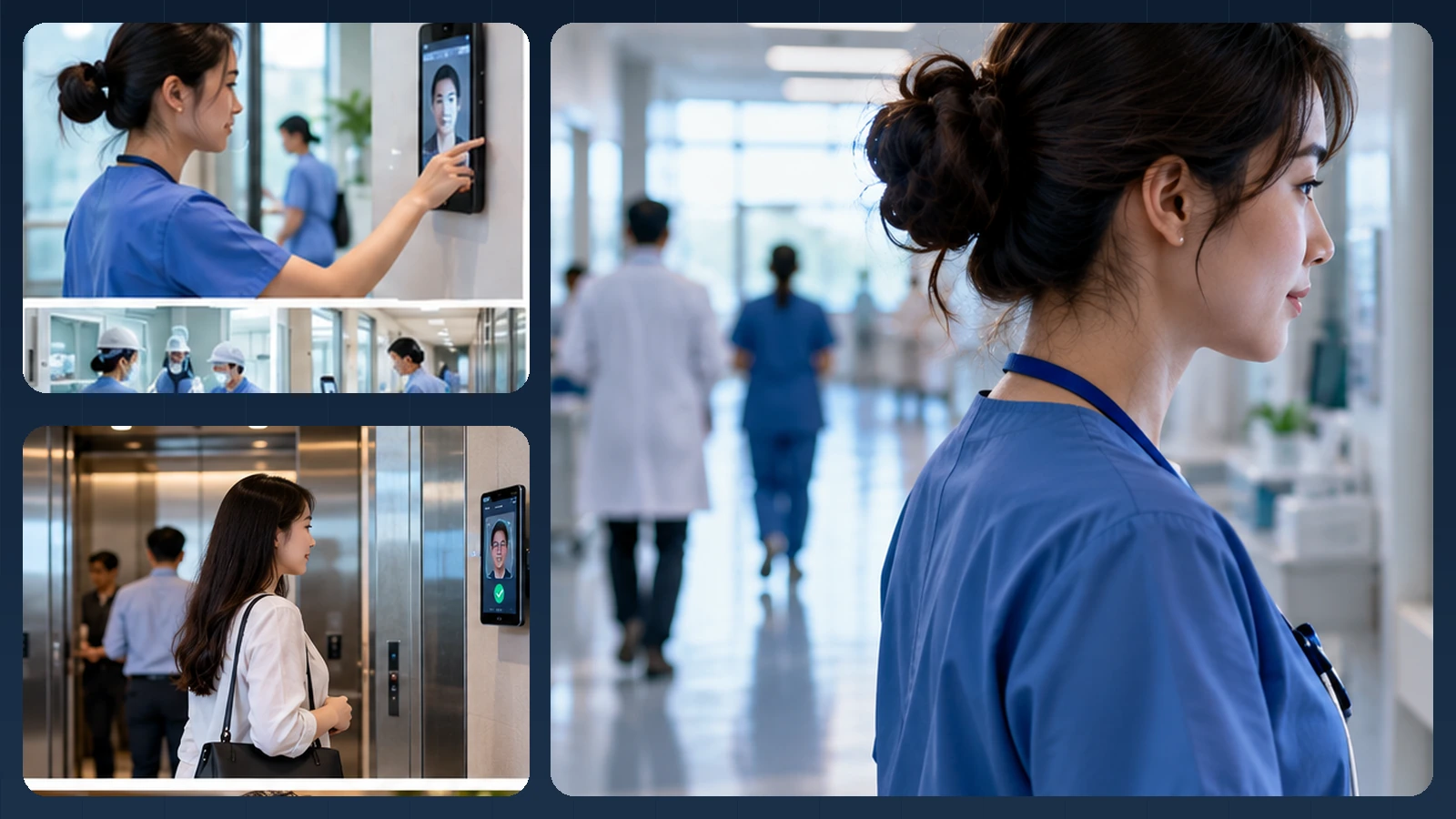
Editorial illustration of a possible experience. Actual UI, device mounts and integrations vary.
A nurse approaches a staff-only workspace
Imagine a nurse arriving with an ID badge and a coffee before starting a shift. At the staff room, a mounted tablet offers a deliberate verification step. A clinician opening a personal app may already have a claimed identity and use a 1:1 comparison, while a shared device could serve a restricted, roster-scoped workflow. Masks, PPE and busy corridors make a simple fallback especially important.
Verification does not establish professional qualifications, current employment status or permission to access a medication room. The hospital IAM system must check those separately. If there is a life-safety emergency, exit mechanisms and clinical response cannot depend on biometric success. Patient recognition and medical decision-making are not part of the workflow proposed here.
How the identity step connects to the business workflow
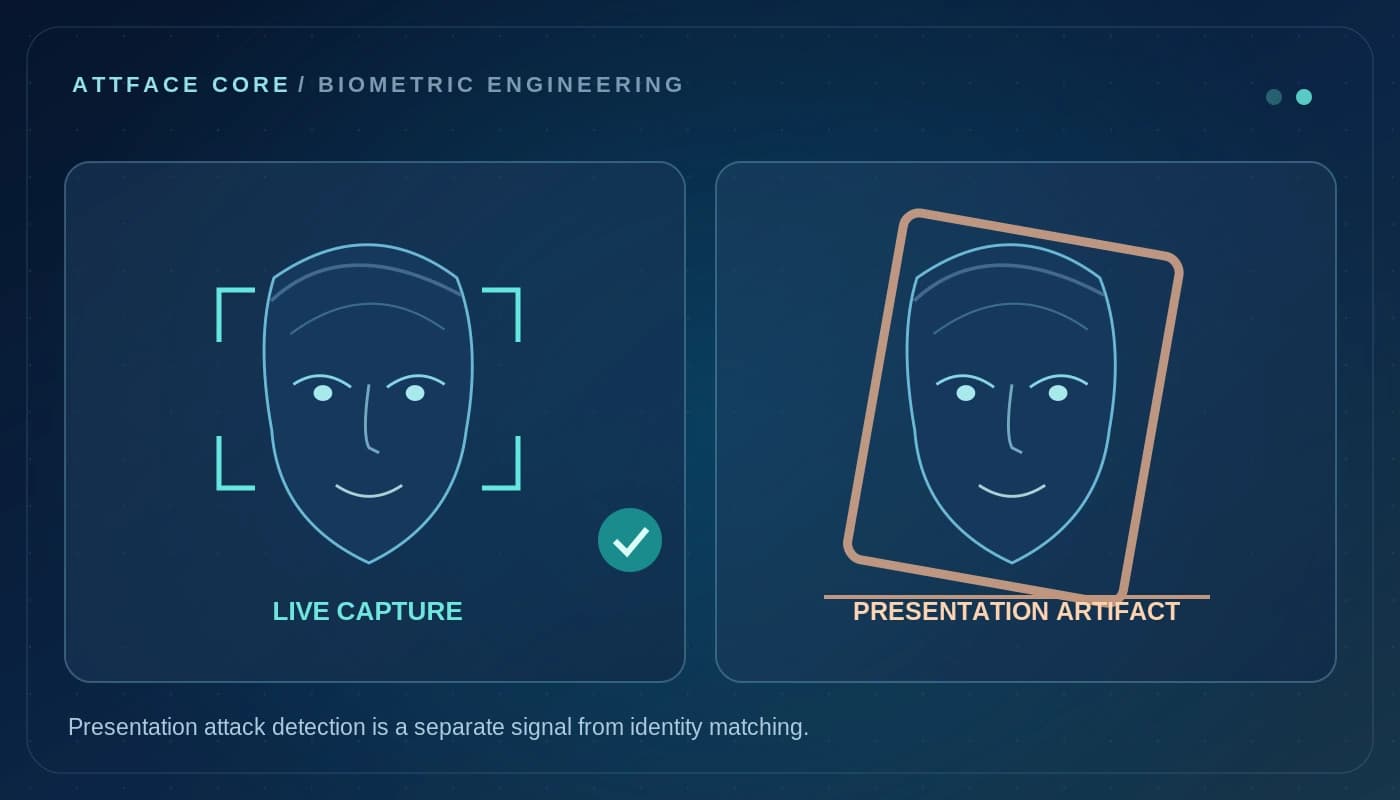
A practical implementation separates the camera interaction, the biometric result and the final business decision. AttFace Core can perform face detection, quality-related analysis, liveness checks where selected, and 1:1 verification or scoped 1:N identification. The partner application decides how to act on those results. Successful face matching alone does not grant access, certify attendance, authorize a transaction or resolve a disputed event.
Conceptual architecture, not a product screenshot or a statement that all pictured integrations are already deployed.
Start with staff, not patients
A practical initial scope is staff-only authentication at a designated door, device or workflow. This avoids conflating employee access with patient identification or patient medical records. Patient-facing use cases require separate analysis of consent, accessibility, clinical risk, identity proofing, data handling and applicable law; they should not be implied by a staff-access project.
Three potential staff use cases illustrate the value:
Restricted rooms. A badge, employee identifier or authenticated session may nominate a person for 1:1 verification. The access-control system then checks the person's current role, shift, permitted area and access revocations before it actuates a door.
Medication or supply workflows. Some sensitive transactions may require step-up identity checks. Biometric matching can help establish the operator's identity, while the inventory or clinical application decides whether the requested operation is authorized and records the clinical/business transaction.
Staff entrance and attendance. A hospital may integrate face verification into employee attendance. Shift rules, overtime and HR approvals stay in workforce systems, not in the biometric engine.
Access control is a policy decision, not a similarity score
Successful verification should return a bounded identity outcome and relevant quality or liveness signals. An independent policy layer decides whether access is allowed. Staff privileges may change when people rotate departments, complete training, change employment status or leave a contractor assignment. Do not grant permanent access merely because a template remains in a database.
Architecture concept only. It does not imply integration with any named hospital information system.
For doors used in emergencies, the access design must preserve required egress and emergency procedures. A biometric failure cannot be allowed to trap staff or patients. Use approved access-control components and validate safety behavior with facility and security teams.
Clinical environments create special capture conditions
Healthcare workers may wear face masks, shields, caps or other protective equipment. A camera workflow should never pressure staff to remove required protective equipment during care. Situations with insufficient facial visibility should have a fast alternate authorization path—for example an approved badge with a second factor or supervisor-assisted procedure.
Image quality can also vary across corridors and devices. Validate placement, glare, user height and distance before choosing matching thresholds. Avoid treating a borderline similarity result as a reliable identity decision. If verification is uncertain, do not simply lower the threshold.
Privacy, security and data minimization
Healthcare systems handle particularly sensitive information, and employee biometrics introduce an additional sensitive dataset. Good design keeps face templates separate from clinical records, defines a specific processing purpose and enforces role-based access. Specify where captures, embeddings, transaction logs and audit media live, how long they remain, and how deletion or revocation works.
Encryption, secure enrollment, device management and restricted administrative access need to be considered throughout the lifecycle. Where on-premises deployment is preferred, design the data flow so the intended security and residency requirements can actually be verified—not assumed from an “on-prem” label.
Avoid building a hospital-wide, passive staff-tracking gallery by default. A declared, contextual verification step is a more defensible starting point than monitoring every person entering a corridor. Labor, privacy and healthcare regulations vary by country and should be reviewed with the operator's legal and security teams.
What an initial pilot should prove
Rather than testing a large hospital at once, select one non-emergency staff workflow with defined risk and fallback options. Evaluate:
- First-attempt completion across the permitted work attire and lighting.
- Time required for verification versus an existing access method.
- Rate and resolution of ambiguous or failed checks.
- Whether access-role updates and employee revocations propagate on time.
- Audit-trail quality and separation from patient information.
- How the workflow behaves during outages, emergencies and accessibility exceptions.
A small, well-governed staff pilot is more informative than a showroom demonstration that ignores clinical operations.
What is available today, and what needs integration
AttFace Core is a possible verification building block for hospital software partners. This is not a statement that the current AttFace Attendance app controls medicine cabinets, clinical access devices or patient records. Those require separate hardware integration, governance, and validation under the healthcare organization's security, privacy and safety requirements.
Build the pilot around everyday people and devices
Test the real touchpoints shown in this story: a personally assigned phone, a wall-mounted phone or tablet, and a slim floor stand where appropriate. Include bright windows, colleagues walking together, glasses or PPE where relevant, a failed first capture, and a network interruption when the architecture permits local processing. Record first-attempt completion, retries, recovery time, auditability and administrator corrections—not just a face match score.
Make the next action explicit when image quality or identity confidence is uncertain. A repeat capture, a claimed-ID 1:1 flow, or an authorized assisted alternative is generally more responsible than quietly lowering the threshold. Document data retention, consent or other lawful basis, deletion and access controls for the deployment's jurisdiction.
Next step. Building healthcare staff IAM, shift or facility software? Discuss an AttFace Core proof of concept with strict role and privacy boundaries.