Two people sit at the same desk. Both face a large screen, with very similar head angles. One is reading an item near the screen's edge; the other is looking directly at a person standing beside the camera. Their head pose can look almost identical, while their gaze is different.
That distinction is the starting point for any product that wants to respond to where a user is looking. Head pose estimates the orientation of the head. Gaze estimation tries to recover the direction of visual attention through the eyes, often expressed as a 3D gaze vector or an estimated target point on a calibrated surface.
Unlike a head-pose article, which focuses on yaw, pitch and roll and capturing a usable face, this article focuses on eye-direction applications and what product teams must validate before claiming that they can infer focus.
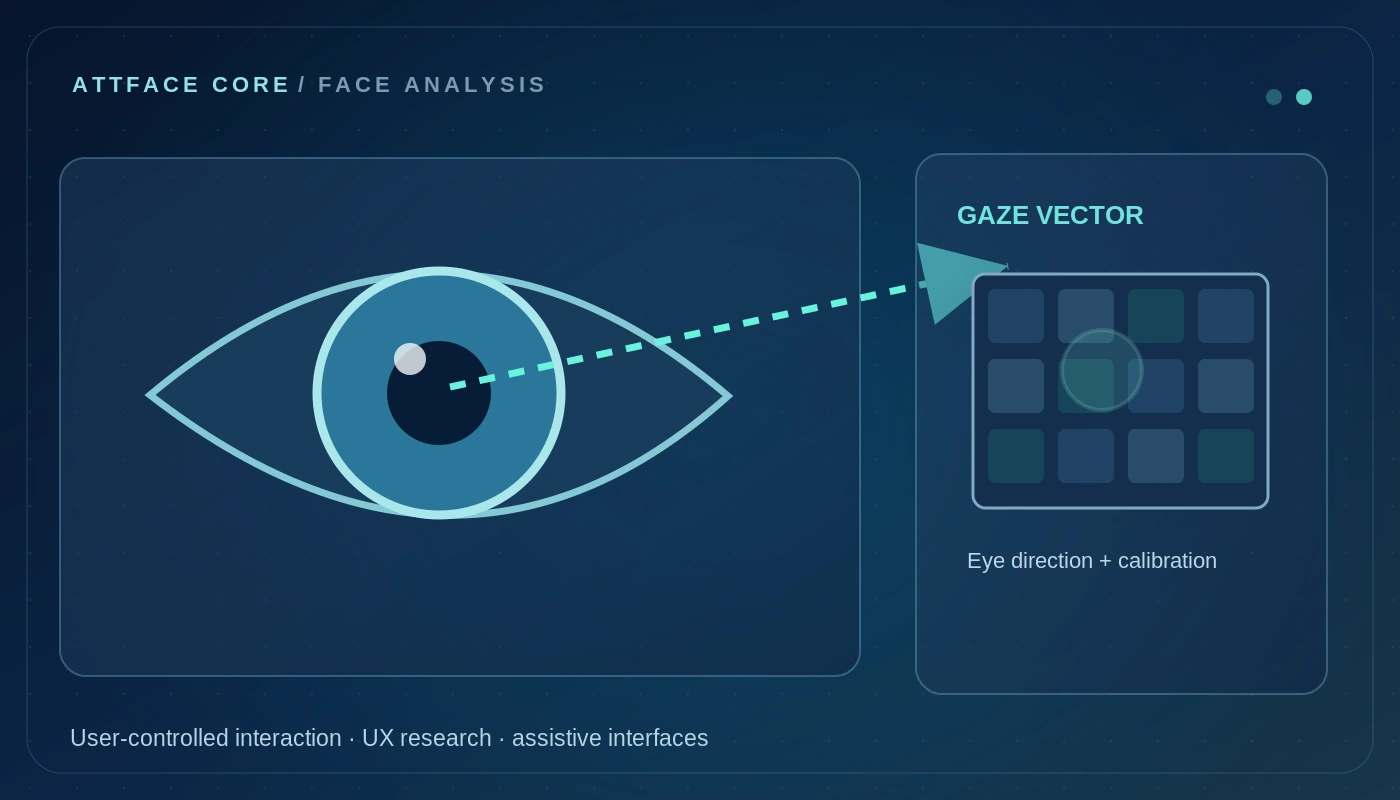
Conceptual illustration, not a live SDK result or independent performance claim.
Why eye gaze needs more than a face box
A basic face detector locates a face, and a head-pose model estimates the rigid head's orientation. Gaze requires additional information from eye regions, facial geometry and the imaging setup. Pupil and iris visibility, eyelids, glasses, reflections, camera resolution and the individual's own visual characteristics can affect the estimate.
Some approaches use camera geometry and eye models; others infer gaze from appearance-based deep learning using face and eye crops. Screen-point tracking may require personal calibration and known screen/camera geometry. An arbitrary webcam gaze vector does not automatically tell you which exact UI button a user saw.
Reference pipeline for a partner-built gaze-aware experience; gaze precision depends on the camera and calibration.
Head pose and gaze may agree—or diverge
Consider a person whose head turns to the right while their eyes rotate to the left. A coarse head-based model could report “looking right”; a gaze-aware model might estimate a forward line of sight. In another scene, the user holds their head steady and glances between items on a screen. Head orientation remains almost constant, but gaze changes quickly.
This is why head pose can be a useful input or context for gaze estimation without being a substitute for it. In implementations with limited eye resolution, a head-pose approximation may be a practical fallback, but it must be described honestly as coarse orientation rather than precise eye tracking.
Application 1: Hands-free and accessible interfaces
A gaze-aware interface can let a consenting user navigate menus or highlight interface elements without a conventional mouse. For people who have limited ability to use touch or keyboards, this can be a meaningful interaction option when combined with dwell time, confirmation mechanisms and accessibility testing.
The key is avoiding unwanted activation. Looking briefly at a button should not automatically trigger a payment or destructive action. Dwell, confirmation and clear feedback give the user control.
Application 2: UX research with consent
During an opt-in usability study, gaze signals can help researchers examine whether an interface's essential actions were likely to receive visual attention. Rather than storing video indefinitely, a research tool may aggregate coarse areas of interest and time windows, while allowing participants to review and revoke consent.
Heatmaps can be helpful, but their quality depends on the device calibration and the experimental protocol. Do not turn low-confidence gaze samples into precise visual narratives or infer mental states from a single glance.
Application 3: Reading and learning experiences
An educational interface might explore gaze-aware reading aids, magnification or a subtle prompt when a user is trying to follow long on-screen content. This should be designed as an assistive feature that the user controls, not as a hidden measure of whether they are studying hard enough.
An estimated off-screen look is not evidence of misconduct or learning failure. In assessment settings, gaze is particularly sensitive because it can be misinterpreted, and environmental factors such as multiple monitors, camera angle or accessibility needs can change the signal.
Application 4: Driver and operator interfaces
A human-machine interface can use eye direction as one component in understanding how a driver or operator interacts with displays. Any safety-relevant application needs representative validation under eyewear, lighting changes, motion, vibration and camera occlusion, plus a carefully engineered fallback.
Gaze estimation alone cannot establish a person's alertness, intention or competence. Safety decisions require domain-specific evidence, human-factors evaluation and other signals.
Application 5: Context-aware product interfaces
A museum installation, assistive display or interactive kiosk could reveal content associated with the region a user is looking toward, subject to consent. This is different from using face recognition to identify a user. It may be possible to design a gaze feature without storing a person's biometric identity at all.
For retail research, aggregated, permissioned gaze data can support experiments in display layout. However, looking toward an item does not prove purchase intent. Product teams should describe what the sensor measured, rather than assigning an unsupported psychological label.
What accuracy should a product claim?
A gaze model may be evaluated using angular error in degrees, accuracy of an area-of-interest classification, or target-point error on a calibrated screen. Those are different metrics. Eye crop resolution, head pose, camera placement, device movement and user calibration should be part of the test report.
When the signal is uncertain, a robust interface can temporarily disable gaze-driven actions rather than guessing. If the application only requires coarse left/center/right orientation, it may be better to use a simpler, clearly labeled method than pretend to offer precision eye tracking.
What AttFace Core contributes—and what remains separate
AttFace Core has face analysis and facial landmark capabilities that can help partner teams with face localization, eye-region extraction and head orientation as components of a larger visual pipeline. This does not imply that a production-ready, calibrated gaze-tracking SDK is included in every AttFace Core build. Gaze-specific modeling, calibration and validation may need to be developed by the integrator or as a scoped AI project.
Building a gaze-aware interface or studying visual interaction? Contact AIPractix to discuss the difference between the face-analysis foundation and the additional gaze-estimation work your application actually requires.