A person steps out of an elevator carrying a laptop. Another arrives at a project room with a colleague. In a modern office, security should fit these ordinary movements rather than force everyone into a queue at a futuristic terminal. A compact wall-mounted tablet beside the entry point can provide a deliberate face-verification touchpoint, while the actual door controller still enforces physical access.
The important distinction is that recognizing a person is not the same as authorizing a door to open. Face AI can help establish identity. The building's access policies must decide whether that identity may enter this room, at this time, under these conditions.
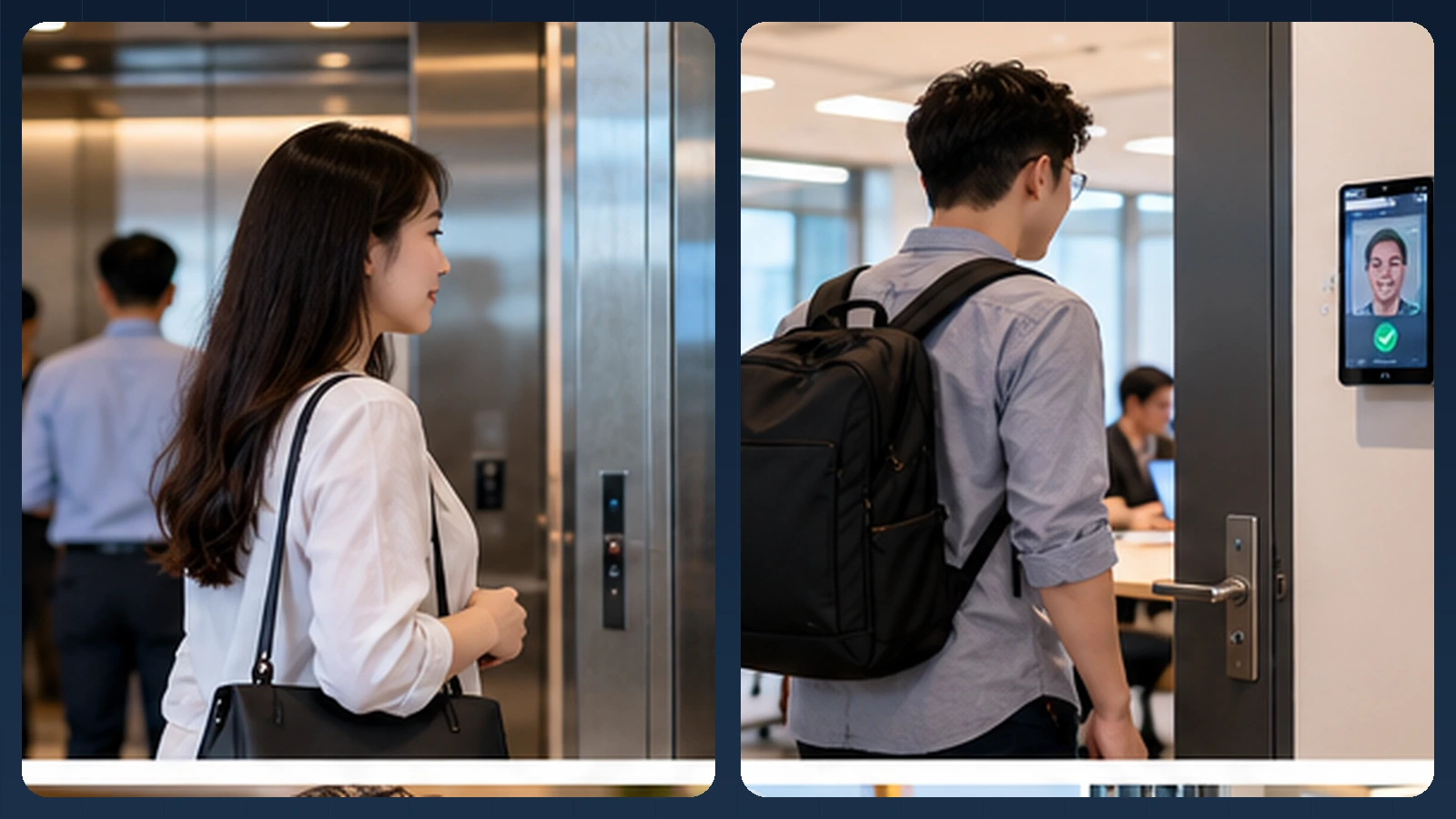
Editorial illustration of a possible experience. Actual UI, device mounts and integrations vary.
From elevator lobby to meeting room
Picture an employee leaving the elevator, approaching a restricted office wing and facing a slim tablet mounted next to the door. Rather than identifying every passerby in the corridor, the app begins a verification session only when the user intentionally activates it. A face-quality check asks for a better angle if the image is blurred or partly out of frame.
At an interior meeting room, a user may present a badge or employee ID first; the tablet then makes a 1:1 comparison. At a shared staff entrance, a tightly controlled 1:N roster may offer a simpler routine. The camera may be part of an everyday Android tablet or a phone in an enclosure. Door wiring, emergency release, fire code and security zoning are independent design tasks that the integration partner must validate.
How the identity step connects to the business workflow
A practical implementation separates the camera interaction, the biometric result and the final business decision. AttFace Core can perform face detection, quality-related analysis, liveness checks where selected, and 1:1 verification or scoped 1:N identification. The partner application decides how to act on those results. Successful face matching alone does not grant access, certify attendance, authorize a transaction or resolve a disputed event.
Conceptual architecture, not a product screenshot or a statement that all pictured integrations are already deployed.
The core scenario
Imagine a corporate office with several entry zones: a public lobby, a staff entrance, a meeting floor, and a restricted server room. A person approaches an authorized capture point, presents their face, and receives a clear response. In the background, the system evaluates identity, checks access rights, and issues a command to the appropriate controller.
The user interface may look simple. The engineering requirements are not.
A face recognition component can estimate whether the presented face matches an enrolled reference. It should not be solely responsible for deciding whether that identity can open a particular door at a particular time.
Split identity verification from authorization
A clean integration separates at least five responsibilities:
- Identity lifecycle. The organization creates, updates, suspends, and removes authorized identities.
- Face processing. The capture device detects a face, checks input quality, performs matching, and applies presentation attack detection where needed.
- Access policy. The access-control service evaluates location, role, time, credential status, and applicable additional factors.
- Controller action. A trusted door or turnstile controller makes the physical actuation decision.
- Audit and response. Events reach the security operations system with enough context for support and investigation.
An illustrative architecture. Door-controller commands and policies are the responsibility of the integrated access-control solution.
For example, an employee may pass face verification but still lack permission to enter a server room. Conversely, a person may fail a camera check because of glare and should have an approved alternative rather than being automatically treated as an intruder.
Choose 1:1 or 1:N intentionally
A 1:1 verification workflow begins with a claimed identity, perhaps through an employee number, app session, or another credential. The system compares the capture against the enrolled reference for that person.
A 1:N identification workflow can offer a more hands-free entry experience by searching among an authorized roster. It also introduces operational choices about the size of the face gallery, accepted thresholds, search latency, and how to handle ambiguous candidates.
For an entrance with frequent users, the design choice should reflect measured local performance and security expectations. Do not assume that identification is automatically superior merely because it removes one tap.
Layer protection according to the risk of the zone
An ordinary staff entrance and a high-security laboratory should not necessarily use identical policies. A low-friction workflow may be appropriate for a common office area, while a sensitive zone may require an additional credential or explicit user action.
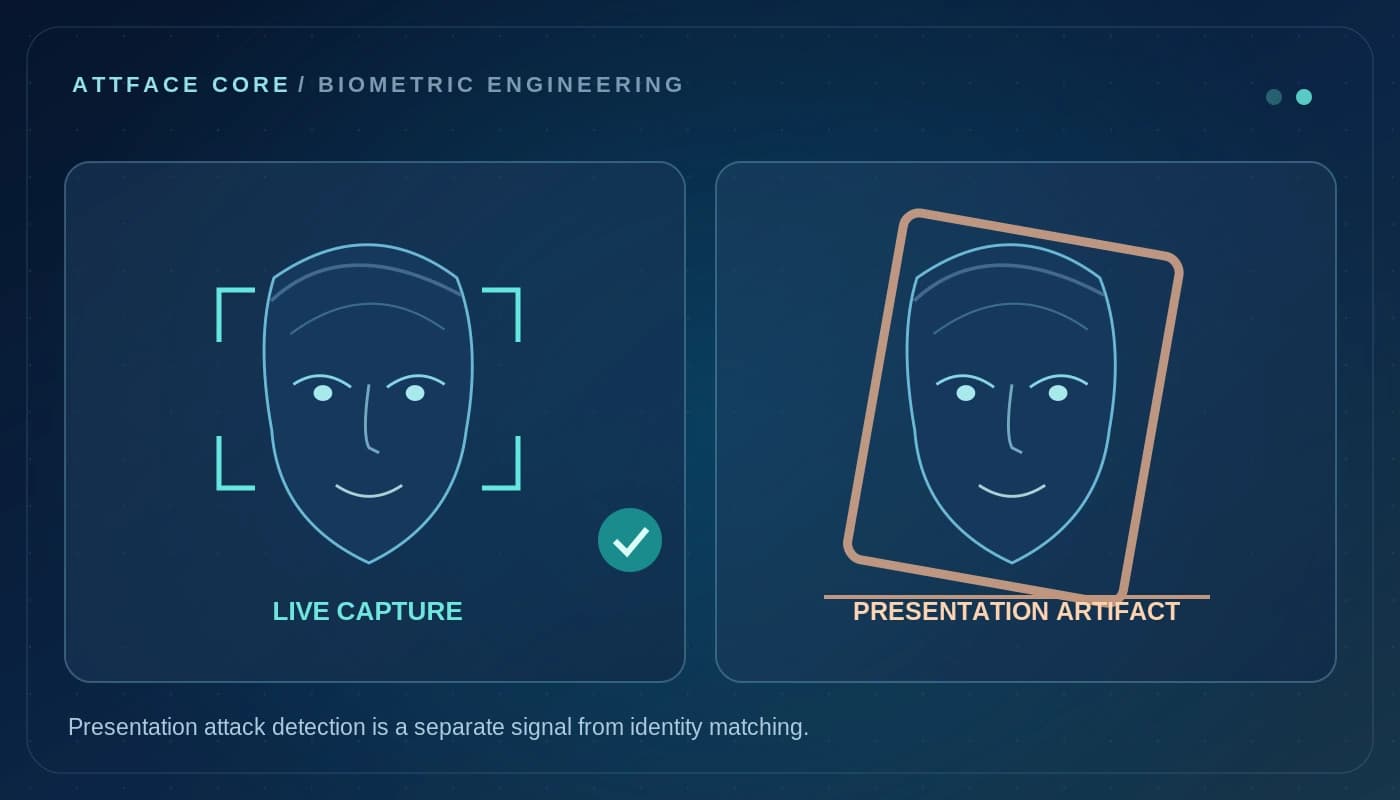
Presentation attack detection (often called liveness) is relevant because face similarity alone does not establish that the sample was captured from a live, present person. PAD itself has defined attack and operating limits; its presence does not justify labeling a solution “spoof-proof.”
Consider device tampering, replayed camera input, credential revocation, network interruptions, and misuse of administrative access. Protect communication to door controllers and restrict who can change access rules.
Physical safety must be independent of face matching
Access control intersects with building fire and life-safety requirements. A face-recognition failure, software crash, disconnected server, or biometric database problem must not compromise required emergency egress. Fire alarms, safety interlocks, and code-compliant exit mechanisms need to be engineered independently and reviewed with the responsible facilities team.
The system must define its behavior on power loss and network loss: which doors are fail-safe or fail-secure, which alternate credentials work, and when an authorized guard can override. These decisions depend on the site and applicable rules; a face AI SDK cannot determine them on its own.
Edge devices, central servers, or both?
There are several valid deployment patterns. Matching at an approved edge terminal can reduce dependence on round-trip connectivity. Centralized services can simplify managing policies and identities across many locations. A hybrid design may perform local verification while synchronizing enrollments, revocations, and audit events through a protected channel.
Each pattern should answer three questions: what sensitive data is stored, what continues to work during an outage, and how quickly a lost or revoked credential stops working across devices.
Performance benchmarks should cover the complete path from approach to controller response—not only model inference.
Deployment experience matters as much as the model
Test camera positioning for different heights and mobility needs. Provide clear feedback when the user is too far away or the face is not visible enough. Avoid placing cameras where backlighting makes enrollment conditions unrepresentative of daily entry.
Operational reporting should distinguish “face not found,” “insufficient quality,” “identity not matched,” “identity verified but not authorized,” and “controller unreachable.” Those outcomes lead to different support actions. Treating them all as a generic “access denied” is a recipe for confusing incidents.
A practical acceptance checklist
Before a rollout, verify:
- Identity enrollment, suspension, and deletion work end to end.
- A successful face match never bypasses the separate authorization policy.
- Rejected captures have accessible, usable fallback options.
- Relevant spoof attempts and device failures are tested within an agreed threat model.
- Offline, controller, and power-failure behavior are documented.
- The organization can investigate an event without distributing sensitive face data widely.
- Emergency exits remain compliant and available by design.
What is available today, and what needs integration
AttFace Core supplies face recognition building blocks that a building-management or access-control partner can integrate. The application and access controller must manage permissions, schedules, door events, revocations and safety interlocks. AttFace Attendance itself should not be described as a turnkey door-lock controller. Its check-in workflows can inform an entry-related attendance scenario, but the physical-access integration is a separate project.
Build the pilot around everyday people and devices
Test the real touchpoints shown in this story: a personally assigned phone, a wall-mounted phone or tablet, and a slim floor stand where appropriate. Include bright windows, colleagues walking together, glasses or PPE where relevant, a failed first capture, and a network interruption when the architecture permits local processing. Record first-attempt completion, retries, recovery time, auditability and administrator corrections—not just a face match score.
Make the next action explicit when image quality or identity confidence is uncertain. A repeat capture, a claimed-ID 1:1 flow, or an authorized assisted alternative is generally more responsible than quietly lowering the threshold. Document data retention, consent or other lawful basis, deletion and access controls for the deployment's jurisdiction.
Next step. Building office access or facility-management software? Talk to AttFace about a deliberate face-verification flow and your existing door controllers.